
Wi-Fi or Bluetooth not working on your phone? How to diagnose it
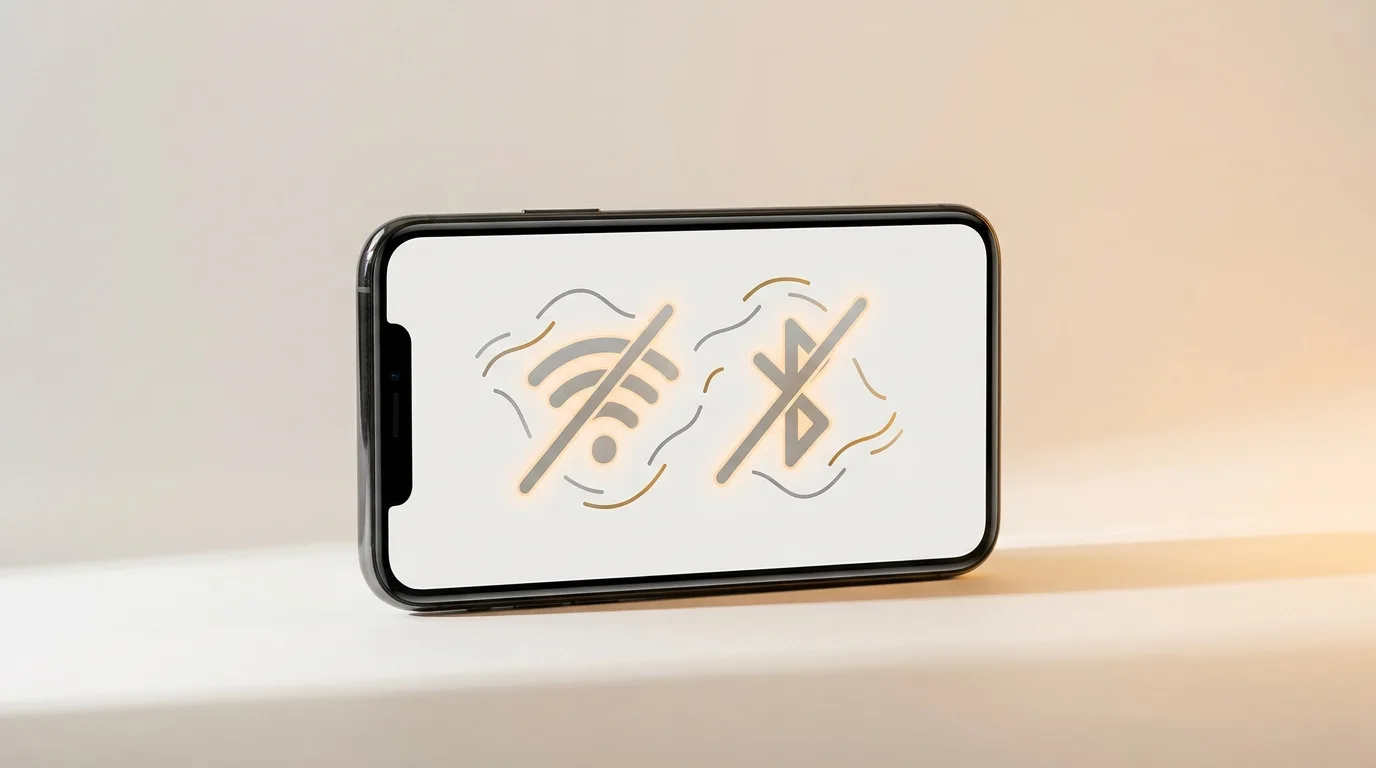
One of them, or both?
This is the most useful first observation. If only Wi-Fi or only Bluetooth is misbehaving, it's more likely software or a specific network/accessory. If both died together — especially if the toggles are greyed out or flip themselves off — that points more at the shared wireless chip or board.
Software fixes (try in order)
These resolve the large majority of connectivity problems:
- Toggle Airplane mode on/off, then restart the phone
- For Wi-Fi: 'forget' the network and rejoin with the password
- For Bluetooth: unpair the device and pair it fresh
- Reset network settings (clears corrupted Wi-Fi/Bluetooth config)
- Install pending software updates
Is it the phone, the router, or the accessory?
Isolate the variable. For Wi-Fi, check whether other devices connect to the same router — if they do, the issue is your phone; if nothing connects, it's the router. For Bluetooth, try pairing a second accessory — if everything fails to pair, it's the phone; if only one device won't, it's that accessory.
Signs it's hardware
Suspect a hardware fault if:
- The Wi-Fi or Bluetooth toggle is greyed out or won't switch on
- Both stopped working after a drop, water, or a repair
- Connection range is suddenly tiny (drops a metre from the router)
- Settings show 'Wi-Fi: No Hardware Installed' or similar
Repairing the wireless section
Wireless faults that survive a network-settings reset are usually antenna or board-level (the Wi-Fi/Bluetooth combo chip), which calls for chip-level repair. iTweak diagnoses and shows you the fault before quoting, repairs Apple and Android, and backs the work with warranty and a digital invoice — doorstep in Bangalore or free pickup nationwide.
Get it fixed
More diagnose-it-yourself guides
Not sure what's wrong? These walk you through spotting the fault before you book — and each links to the free phone self-test tools.
- Phone won't turn on? How to tell a dead battery from a black screen or a dead board
- Phone keeps restarting on its own? How to find the cause of random reboots
- Phone charging slowly? How to tell if it's the charger, cable, port, or battery
- Fingerprint sensor not working? How to fix Touch ID and in-display scanners
- Phone storage full or won't update? How to free space and fix failed updates
- Why is my phone screen flickering — and is it the screen or the logic board?
Related guides & repairs
Ready to fix it? See our phone repair service. Browse every Other brands repair-cost guide.