
Fingerprint sensor not working? How to fix Touch ID and in-display scanners
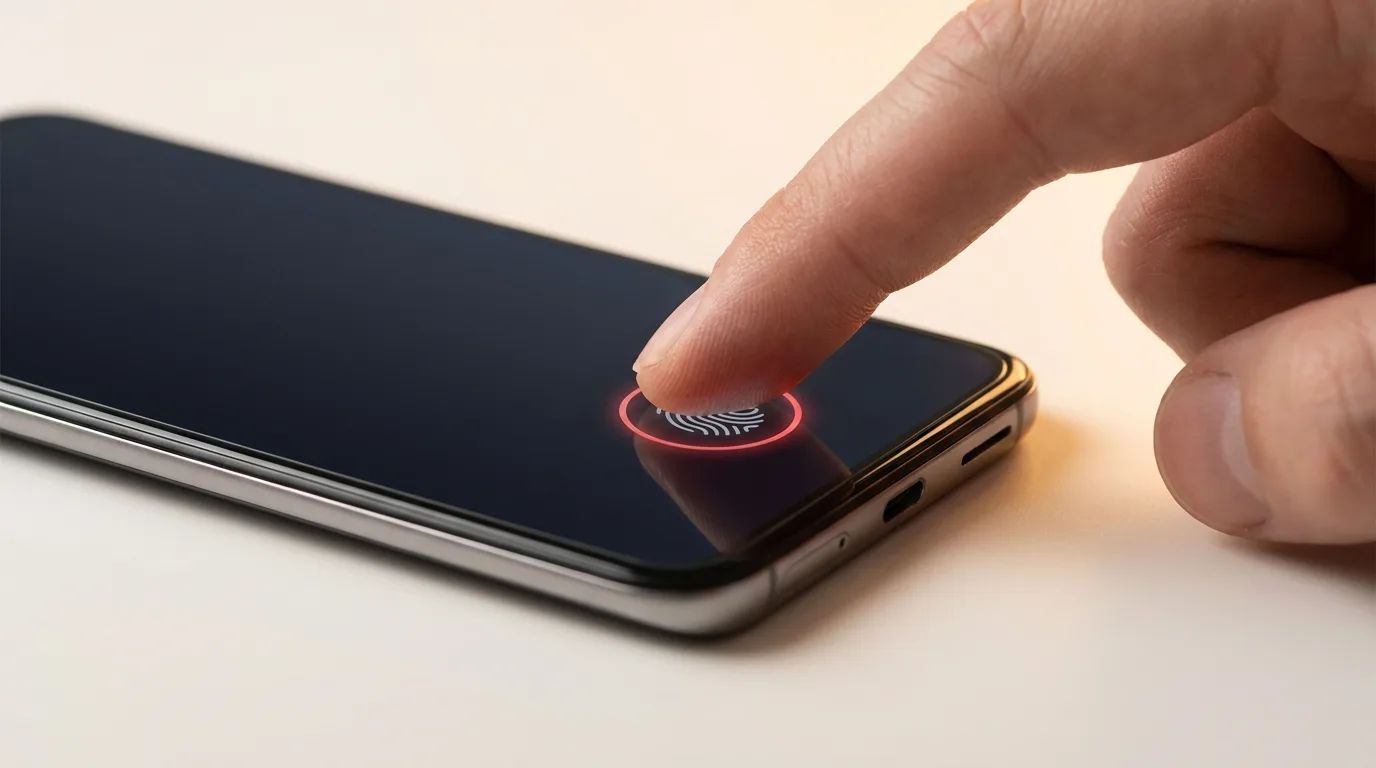
Clean and re-enroll first
The most common fixes cost nothing:
- Clean your finger and the sensor — moisture, lotion, and grime block reads
- Make sure your finger and the sensor are dry
- Delete your saved fingerprints and re-add them, scanning slowly from several angles
- Add the same finger twice for a more reliable read
Screen protectors and cases (in-display scanners)
If your phone has an in-display fingerprint scanner, a thick, cheap, or peeling screen protector is the number-one cause of failures — the sensor reads through the glass and a poor protector blocks it. Use a protector marked compatible with in-display sensors, make sure it's properly aligned with no bubbles, and re-enroll your fingerprint after fitting a new one.
Software fixes
Rule out software before hardware:
- Restart the phone to clear a stuck biometric service
- Install pending updates
- Check that fingerprint unlock is still enabled in settings after an update
- If it fails right after a software update, a delete-and-re-add usually restores it
An honest note on Touch ID
On iPhones with a Touch ID home button, the sensor is paired to that specific phone at the factory for security. That means a third-party home-button replacement will typically restore the button's clicking but not Touch ID itself — no independent shop can re-pair it, and that's by Apple's design, not a limitation of the repairer. We'll always tell you this upfront rather than promise a fix that isn't possible.
When it's a hardware fault
Suspect hardware if the sensor failed after a drop, water, or a screen replacement (on in-display phones the scanner is part of the display assembly), or if nothing above helps. iTweak diagnoses whether it's recoverable, is honest about the cases that aren't, and repairs Apple and Android with warranty and a digital invoice on what we fix.
Get it fixed
More diagnose-it-yourself guides
Not sure what's wrong? These walk you through spotting the fault before you book — and each links to the free phone self-test tools.
- Phone storage full or won't update? How to free space and fix failed updates
- Why is my phone screen flickering — and is it the screen or the logic board?
- Phone won't charge: how to tell if it's the port, the cable, or the battery
- Laptop won't turn on — how to diagnose it in 5 minutes
- Water-damaged phone: the first 10 minutes that decide if it lives
- How to check your phone for dead pixels (free 2-minute test)
Related guides & repairs
Ready to fix it? See our phone repair service. Browse every Other brands repair-cost guide.