
Why is my phone screen flickering — and is it the screen or the logic board?
First, rule out software in two minutes
Before assuming the worst, eliminate the free fixes. A surprising share of 'flickering screen' cases clear up with a restart or a setting change, because the display hardware is fine and the software was simply mis-driving it.
Work through this quick list. If the flicker disappears, it was software and you're done.
- Restart the phone fully (power off, wait 10 seconds, power on)
- Turn off Auto-Brightness / adaptive brightness and set brightness manually
- Disable any battery-saver or 'reduce motion' modes and test again
- Boot into Safe Mode (Android) to see if a rogue app is the cause
- Install any pending software update — flicker bugs are sometimes patched
Signs it's the screen (display panel or digitizer)
If software didn't fix it, the next most common cause is the display assembly itself — especially after a drop, a pressure event, or contact with water.
These symptoms point at the screen rather than the board:
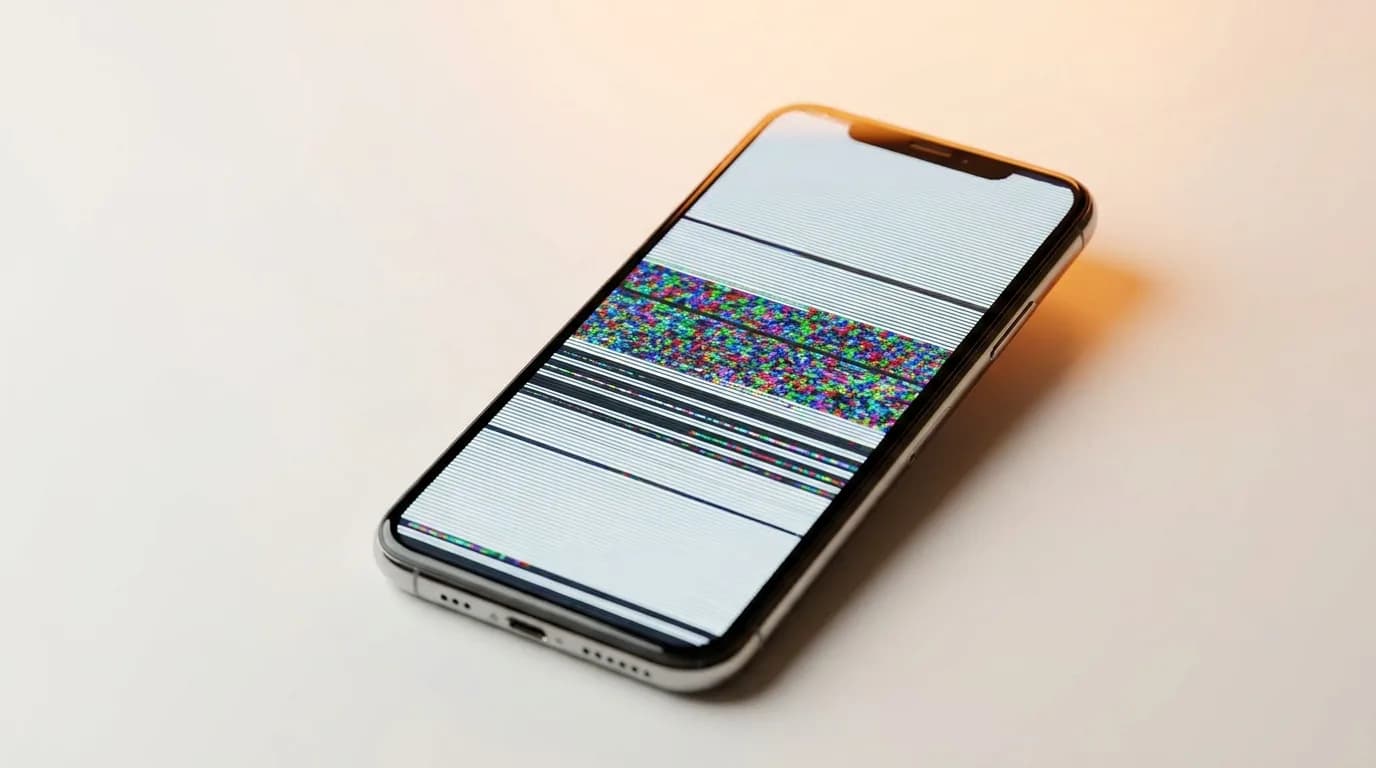
- The flicker is in one area, a band, or along visible lines
- It started right after a drop, a sit-on, or a screen replacement
- Pressing or gently flexing near the edge changes the flicker
- There are coloured lines, a half-black display, or 'ghost' touches alongside it
Signs it's the logic board (graphics IC)
Board-level flicker comes from the chips that drive the display, not the panel. It's less common but important to catch, because swapping the screen won't fix it.
Suspect the board if:
- The whole screen flickers uniformly regardless of what's on it
- It's paired with random reboots, freezes, or won't-boot episodes
- The flicker gets worse as the phone heats up
- There was liquid exposure or a charging surge, but no screen damage
The 30-second self-test anyone can do
Our free in-browser screen test fills your display with solid full-screen colours, which makes flicker zones, dead areas and lines obvious in a way normal use hides. Run it before you book anything — it often tells you immediately whether the fault is the whole panel or just one region.
If the flicker shows up clearly on the colour test and tracks with pressure, it's almost certainly the screen. If the panel looks perfect on the test but the phone still flickers in real use with reboots, that points back at the board.
Getting a definite answer without guesswork
Screen-versus-board is exactly the kind of call worth confirming under a microscope rather than swapping parts and hoping. At iTweak we run an 80-point diagnostic and show you the actual fault before you approve any work — no printed-invoice surprises, and a digital invoice with full warranty details once it's done.
We repair both: OEM display replacements (with up to a 1-year warranty on OEM screens) and chip-level board work, across Apple and Android. If we diagnose it wrong, you don't pay — and if you'd rather decide at home first, a free pickup brings it to the lab from anywhere in India.
Get it fixed
More diagnose-it-yourself guides
Not sure what's wrong? These walk you through spotting the fault before you book — and each links to the free phone self-test tools.
- Phone won't charge: how to tell if it's the port, the cable, or the battery
- Laptop won't turn on — how to diagnose it in 5 minutes
- Water-damaged phone: the first 10 minutes that decide if it lives
- How to check your phone for dead pixels (free 2-minute test)
- How to tell if your phone battery is failing (6 warning signs)
- Phone speaker not working? How to tell if it's software, dirt, or a blown speaker
Related guides & repairs
Ready to fix it? See our phone repair service, or compare more screen replacement cost guides. Browse every Other brands repair-cost guide.