
Phone speaker not working? How to tell if it's software, dirt, or a blown speaker
Rule out the obvious first
Quick checks that solve a large share of 'no sound' cases:
- Turn the volume up with the side buttons while media is playing
- Check Silent/Do-Not-Disturb and the mute switch (iPhone)
- Make sure it isn't still connected to Bluetooth earphones, a car or a speaker
- Remove any case or cover that might be blocking the speaker grille
- Restart the phone — a stuck audio process can mute everything
Clean it — dust is a top cause
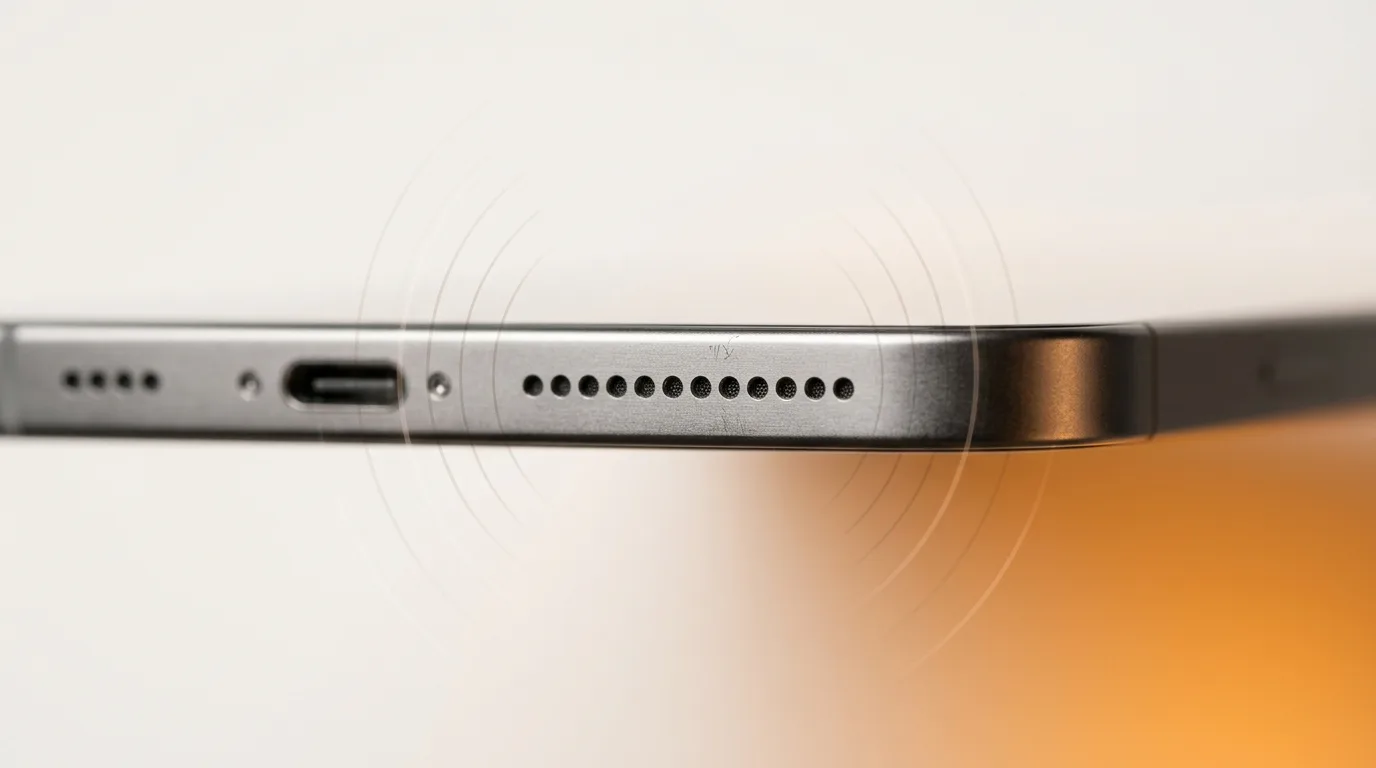
Speaker and earpiece grilles trap lint, dust and grime over time, which muffles or kills the sound. Gently brush the grille with a soft, dry brush. If your phone has a water-eject feature or you've recently been somewhere wet, run that too — trapped moisture muffles speakers exactly like dirt does.
Earpiece vs loudspeaker — which one is dead?
Phones have more than one speaker, and knowing which is faulty narrows the repair. Test the earpiece by making a call held to your ear; test the loudspeaker with music or a speakerphone call. Our free speaker test plays tones through the phone so you can confirm exactly which output has failed.
If only call audio is affected, it's the earpiece; if media and speakerphone are silent, it's the loudspeaker; if neither works and the mic is also off, suspect water or board involvement.
Signs it's actually hardware
If cleaning and settings don't help, the speaker module or its connection is likely at fault:
- Sound is permanently muffled, crackly or distorted
- It went silent right after water exposure or a drop
- It cuts out, or only works at certain volumes
- Nothing plays through that speaker even after a thorough clean and restart
Repairing it
A failed speaker is usually a module replacement; if it followed water, the underlying issue may be on the board. iTweak diagnoses which it is and shows you before quoting, repairs Apple and Android, and backs the work with warranty and a digital invoice — with doorstep in Bangalore or free pickup elsewhere.
Get it fixed
More diagnose-it-yourself guides
Not sure what's wrong? These walk you through spotting the fault before you book — and each links to the free phone self-test tools.
- Nobody can hear you on calls? How to diagnose a phone microphone problem
- Phone camera blurry or not working — software glitch or hardware fault?
- Why is my phone overheating? Causes, quick fixes, and when it's a hardware fault
- Touchscreen not responding (or tapping by itself)? How to diagnose ghost touch
- Proximity, auto-rotate or face unlock not working? How to test your phone's sensors
- No signal or 'No Service'? How to tell if it's your SIM, your network, or your phone
Related guides & repairs
Ready to fix it? See our phone repair service. Browse every Other brands repair-cost guide.