
Nobody can hear you on calls? How to diagnose a phone microphone problem
Test which microphone is failing
Each mic is used in different situations, so testing them separately tells you a lot:
- Record a voice memo (uses the bottom mic) and play it back
- Record a video (uses the top/rear mic) and check the audio
- Make a normal call vs a speakerphone call — do both sound muffled?
- Try a video call where you can hear yourself back
| Fails during | Likely microphone |
|---|---|
| Normal calls | Bottom (primary) mic |
| Videos / rear recording | Top / rear mic |
| Only on speakerphone | Noise-cancelling mic |
Try the software fixes first
A good share of mic problems are software or accessory issues, not hardware:
- Restart the phone to clear a stuck audio process
- Check app microphone permissions (especially WhatsApp, Zoom, etc.)
- Remove a screen protector or case that overlaps a mic hole
- Disconnect Bluetooth devices that may be grabbing the mic
- Install pending updates
Clean the microphone ports
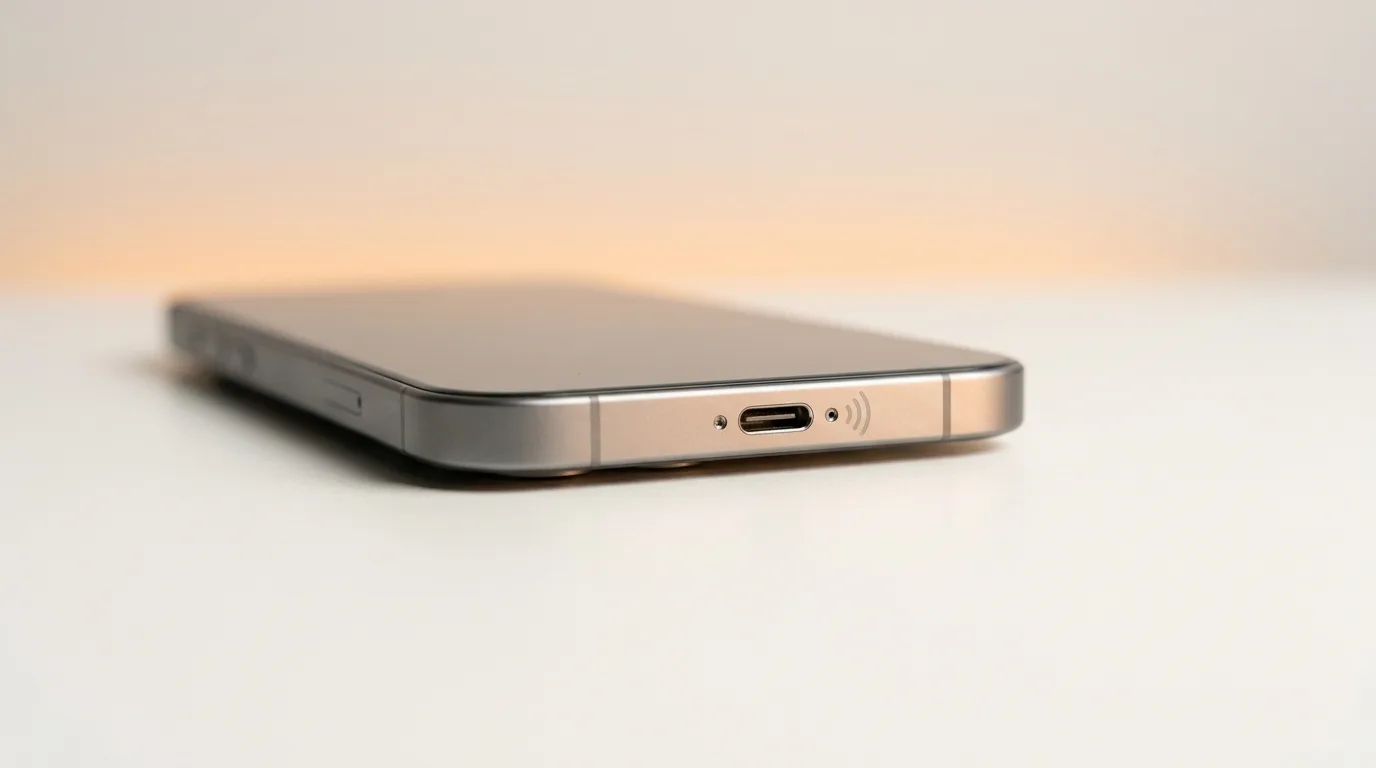
Mic openings are tiny and clog easily with lint and dust, which muffles your voice. Gently clear the bottom mic hole (next to the charging port) and the top/rear holes with a soft brush. This alone fixes a lot of 'muffled on calls' complaints.
Signs it's hardware
If software and cleaning don't help, the mic or its flex cable is likely the issue:
- It started right after water exposure or a drop
- One specific mic is dead across every app
- Audio is permanently muffled or full of static
- The mic worked intermittently and now not at all
Getting it repaired
A failed mic is usually a module or flex-cable replacement; after water, the cause may be on the board. iTweak runs the diagnostic, shows you which mic and what's wrong before quoting, and repairs Apple and Android with warranty and a digital invoice.
Get it fixed
More diagnose-it-yourself guides
Not sure what's wrong? These walk you through spotting the fault before you book — and each links to the free phone self-test tools.
- Phone camera blurry or not working — software glitch or hardware fault?
- Why is my phone overheating? Causes, quick fixes, and when it's a hardware fault
- Touchscreen not responding (or tapping by itself)? How to diagnose ghost touch
- Proximity, auto-rotate or face unlock not working? How to test your phone's sensors
- No signal or 'No Service'? How to tell if it's your SIM, your network, or your phone
- Wi-Fi or Bluetooth not working on your phone? How to diagnose it
Related guides & repairs
Ready to fix it? See our phone repair service. Browse every Other brands repair-cost guide.