
Phone camera blurry or not working — software glitch or hardware fault?
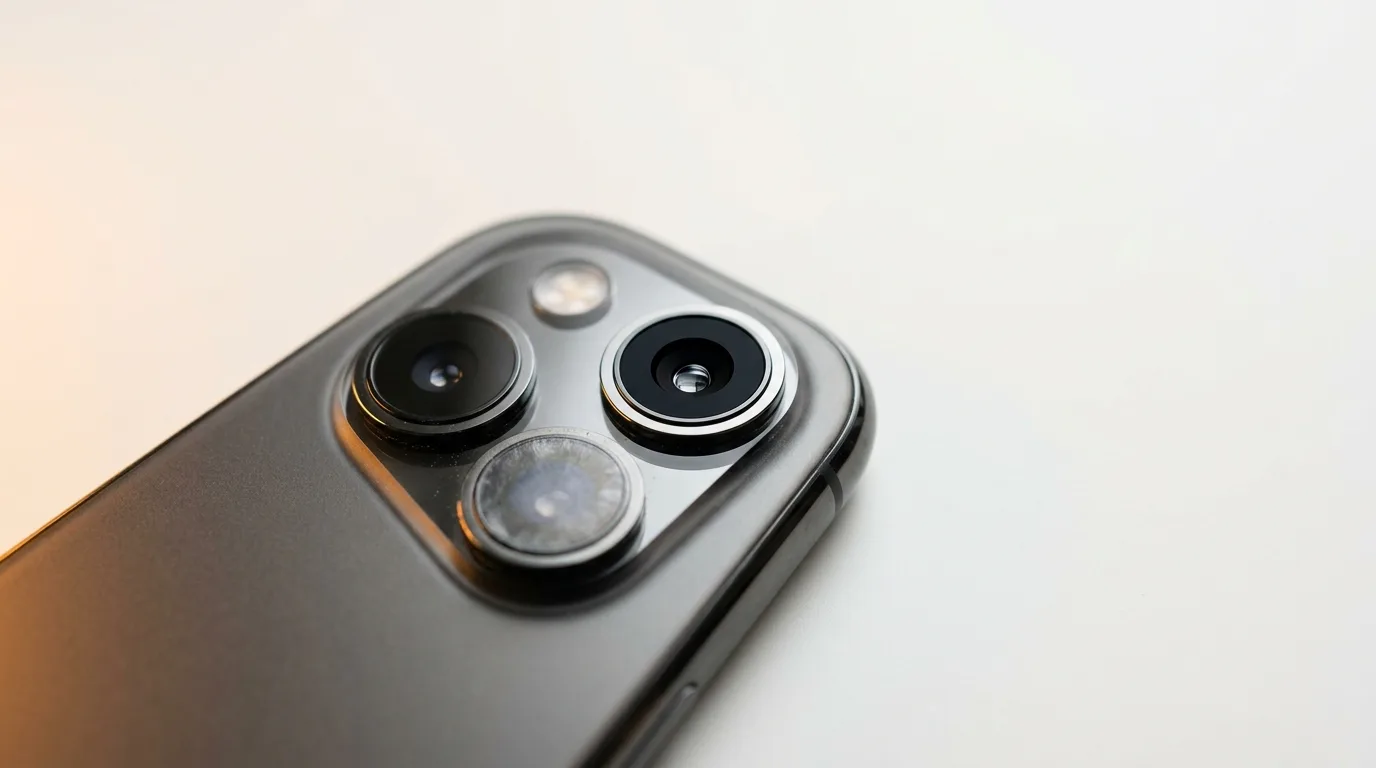
Clean the lens and remove the case
It sounds too simple, but fingerprints, grease and a case lip over the lens cause a huge share of 'blurry camera' complaints. Wipe the rear and front lenses with a soft cloth, and take off any case or screen protector that crowds the lens. Re-test in good light.
Rule out a software glitch
If the lens is clean and it's still wrong, software is the next suspect:
- Force-close and reopen the camera app
- Restart the phone
- Try a different camera app to see if the issue follows
- Install pending updates — camera bugs are often patched
- Toggle between front and rear cameras to isolate which one is affected
Is it the lens glass or the camera module?
Two different hardware faults look similar. A cracked or scratched rear lens glass scatters light and produces hazy or flared photos, while a failed module gives you a black preview, a frozen image, or no focus at all.
A telltale sign of a module/OIS fault is a buzzing or rattling sound near the camera and shaky, never-sharp shots. Our free camera test opens the front and rear cameras so you can confirm whether the preview is black, frozen, or simply soft.
Front vs rear, blurry vs black
Match what you see to the likely cause:
| Symptom | Likely cause |
|---|---|
| Hazy/flared photos, lens looks cracked | Damaged rear lens glass |
| Black or frozen preview | Camera module failure |
| Never focuses, buzzing sound | Autofocus / OIS fault |
| Only one camera affected | That specific module |
| All cameras black after an update | Software — try the fixes above |
Repairing it
Depending on the fault, the fix is a rear lens glass replacement or a full camera module swap. iTweak diagnoses which, shows you before quoting, and repairs Apple and Android cameras with warranty and a digital invoice — doorstep in Bangalore or free pickup nationwide.
Get it fixed
More diagnose-it-yourself guides
Not sure what's wrong? These walk you through spotting the fault before you book — and each links to the free phone self-test tools.
- Why is my phone overheating? Causes, quick fixes, and when it's a hardware fault
- Touchscreen not responding (or tapping by itself)? How to diagnose ghost touch
- Proximity, auto-rotate or face unlock not working? How to test your phone's sensors
- No signal or 'No Service'? How to tell if it's your SIM, your network, or your phone
- Wi-Fi or Bluetooth not working on your phone? How to diagnose it
- Phone won't turn on? How to tell a dead battery from a black screen or a dead board
Related guides & repairs
Ready to fix it? See our phone repair service. Browse every Other brands repair-cost guide.