
Touchscreen not responding (or tapping by itself)? How to diagnose ghost touch
Restart and clean before anything else
Touch problems are sometimes just a stuck process or a dirty/obstructed screen. Knock these out first:
- Restart the phone (a force-restart if the screen won't respond at all)
- Remove any screen protector — a cracked or cheap one alone can cause dead spots and ghost touch
- Take off the case in case it's pressing the screen edges
- Clean the screen and dry your hands — moisture and grime confuse the digitizer
Dead zones vs ghost touch — which is it?
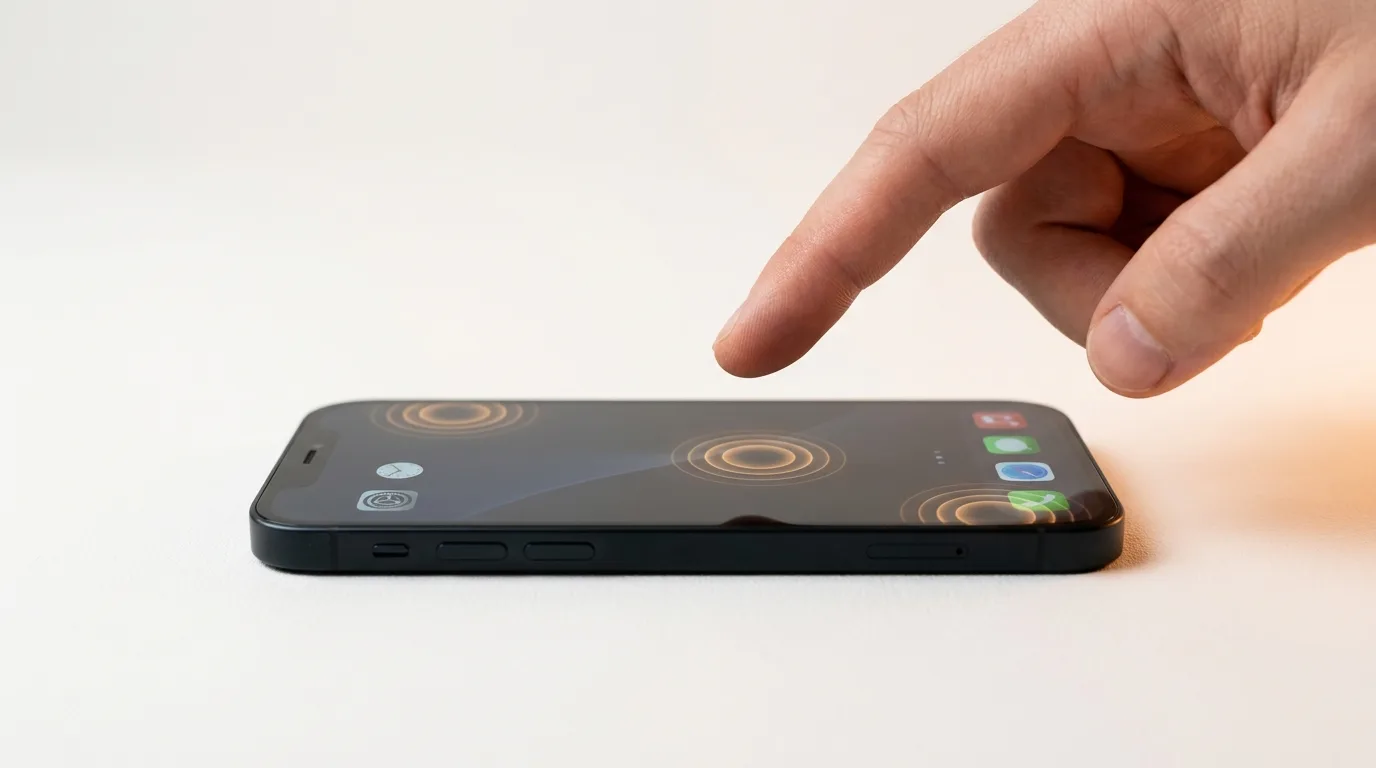
These are two different faults. A dead zone is an area that won't register taps; ghost touch is the screen registering taps you never made. Knowing which you have narrows the cause.
Our free touch test lets you draw across the whole screen so unresponsive patches show up immediately, and you can watch for phantom inputs appearing on their own. Map the fault first — it tells you whether the whole digitizer is failing or just one region.
Common causes
Most touch faults trace back to one of these:
- A drop or pressure crack that damaged the digitizer layer
- A previous screen replacement using a cheap, non-OEM panel (a very common ghost-touch trigger)
- Water or humidity under the glass
- A faulty charger or cable causing electrical interference (classic charging-time ghost touch)
- Extreme heat warping the display assembly
The charger test for ghost touch
If the ghost touch mostly happens while charging, unplug and see if it stops. A cheap or failing charger or cable can inject electrical noise that the touchscreen reads as taps. Swap to a known-good charger and cable — if the phantom taps vanish, you've found it, and it was never the screen at all.
When it's the screen or digitizer
If cleaning, restarting and a good charger don't fix it, the digitizer (part of the display assembly) is the likely culprit and needs replacing. Part quality matters enormously here — cheap panels are the leading cause of recurring ghost touch — so iTweak fits OEM-grade displays with up to a 1-year warranty on OEM screens, for Apple and Android. We run the touch test in front of you after the swap so you can confirm a perfect screen before paying.
Get it fixed
More diagnose-it-yourself guides
Not sure what's wrong? These walk you through spotting the fault before you book — and each links to the free phone self-test tools.
- Proximity, auto-rotate or face unlock not working? How to test your phone's sensors
- No signal or 'No Service'? How to tell if it's your SIM, your network, or your phone
- Wi-Fi or Bluetooth not working on your phone? How to diagnose it
- Phone won't turn on? How to tell a dead battery from a black screen or a dead board
- Phone keeps restarting on its own? How to find the cause of random reboots
- Phone charging slowly? How to tell if it's the charger, cable, port, or battery
Related guides & repairs
Ready to fix it? See our phone repair service, or compare more screen replacement cost guides. Browse every Other brands repair-cost guide.