
Phone charging slowly? How to tell if it's the charger, cable, port, or battery
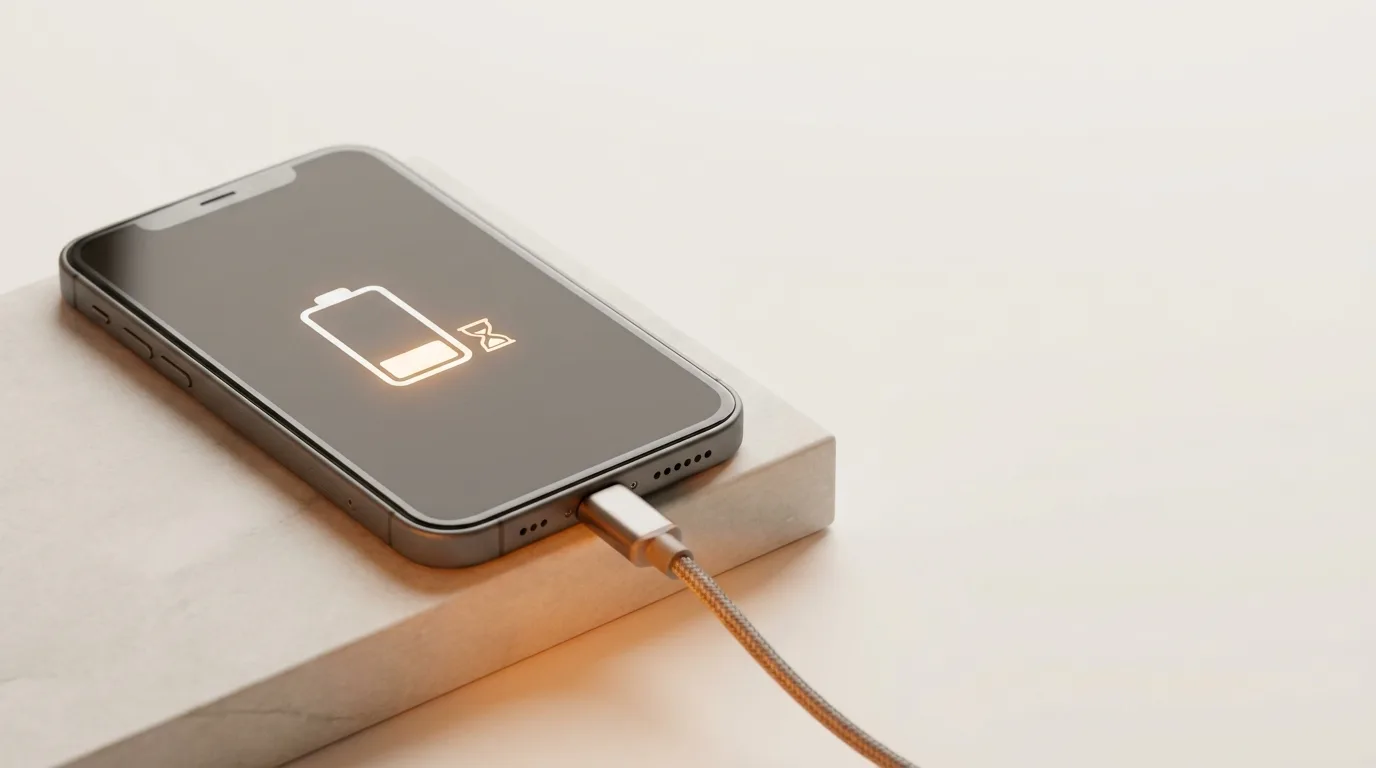
Check the charger and cable first
The charging chain is only as fast as its weakest link, and the adapter and cable are the usual culprits:
- Use an adapter with enough wattage — a low-power or old charger charges slowly
- Try a different, good-quality cable (worn cables throttle charging speed)
- Charge from a wall socket, not a laptop or weak USB port
- Remember wireless charging is normally slower than cable — test with a cable to compare
Clean the charging port
Pocket lint and dust pack into the charging port over time and stop the cable from seating fully, which slows or interrupts charging. Shine a light in — if you see fluff, gently clear it with a wooden or plastic toothpick (never anything metal). This single step fixes a surprising number of 'slow charging' phones.
Battery age and health
Batteries charge more slowly as they wear out. If your battery health is below about 80%, or the phone is two-plus years old and heavily used, the cell itself is likely the limiter. Check battery health where your phone exposes it (iPhone: Settings › Battery › Battery Health), and watch for fast draining as a companion symptom.
Software and heat
A few non-hardware factors slow charging too: heavy background apps drawing power while you charge, using the phone (especially gaming) during charging, and heat — phones deliberately slow charging when hot to protect the battery. Battery-optimisation features can also pause charging near 80% by design, which is normal, not a fault.
When it's the port or battery
If a good charger and cable, a clean port and a cool phone still charge slowly, the fault is usually a worn battery or a degraded charging port. iTweak diagnoses which, shows you before quoting, and replaces batteries and ports with warranty and a digital invoice — doorstep in Bangalore or free pickup nationwide.
Get it fixed
More diagnose-it-yourself guides
Not sure what's wrong? These walk you through spotting the fault before you book — and each links to the free phone self-test tools.
- Fingerprint sensor not working? How to fix Touch ID and in-display scanners
- Phone storage full or won't update? How to free space and fix failed updates
- Why is my phone screen flickering — and is it the screen or the logic board?
- Phone won't charge: how to tell if it's the port, the cable, or the battery
- Laptop won't turn on — how to diagnose it in 5 minutes
- Water-damaged phone: the first 10 minutes that decide if it lives
Related guides & repairs
Ready to fix it? See our phone repair service, or compare more charging port cost guides. Browse every Other brands repair-cost guide.