
Why is my phone overheating? Causes, quick fixes, and when it's a hardware fault
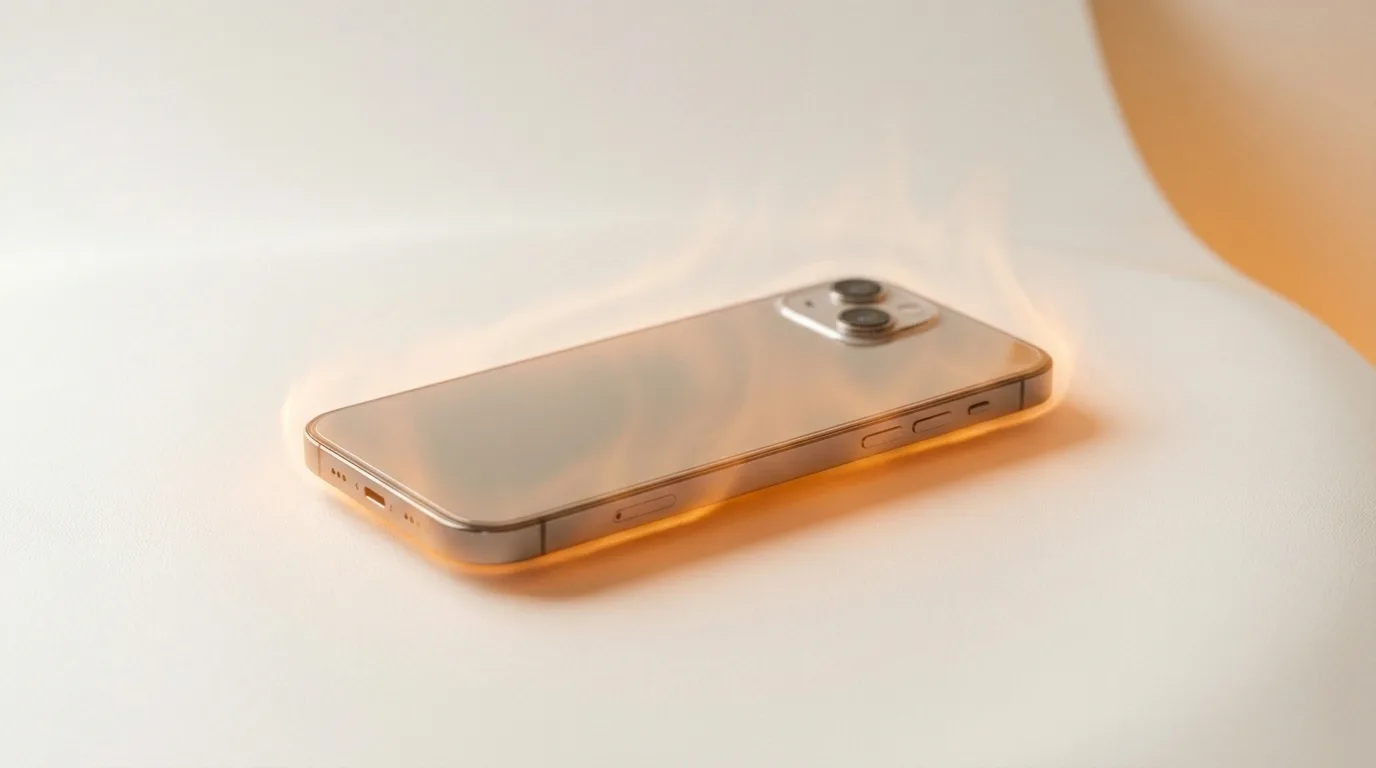
Normal vs not normal
Phones are designed to get warm during heavy work — gaming, video recording, navigation, fast charging, or sitting in direct sun. That's expected and passes once the load stops.
What's not normal: getting hot during light use or while idle, staying hot long after you stop, heat severe enough to trigger a 'temperature' warning, or heat paired with fast battery drain. Those point at a fault rather than a busy processor.
Software causes (free fixes)
Most chronic overheating is a misbehaving app or background process. Work through these before assuming hardware:
- Check battery settings for an app using excessive power and force-close it
- Limit background app refresh and location access for heavy apps
- Install pending updates (overheating bugs are common and often patched)
- Let the phone cool away from sun/heat, remove the case while it cools
- If it persists, back up and try resetting settings as a last software step
Charging-related heat
Heat during charging is worth watching. A cheap or faulty charger, charging while gaming, or a worn battery can all push temperatures up. If the phone gets very hot specifically while charging, switch to a known-good charger and stop using it while it charges — and check for battery swelling.
When it's a hardware fault
If software fixes don't help, the cause is likely physical:
- A worn or swollen battery (swelling = stop using it now)
- A short or failing component on the logic board
- Heat that persists even after a factory reset
- Overheating alongside random shutdowns or rapid drain
Get the heat source pinpointed
Persistent overheating shortens a phone's life and can be a safety issue, so it's worth diagnosing properly. iTweak uses thermal imaging to find exactly which component is overheating — battery versus board — and shows you before any work, for Apple and Android, with warranty and a digital invoice. If we get the diagnosis wrong, you don't pay.
Get it fixed
More diagnose-it-yourself guides
Not sure what's wrong? These walk you through spotting the fault before you book — and each links to the free phone self-test tools.
- Touchscreen not responding (or tapping by itself)? How to diagnose ghost touch
- Proximity, auto-rotate or face unlock not working? How to test your phone's sensors
- No signal or 'No Service'? How to tell if it's your SIM, your network, or your phone
- Wi-Fi or Bluetooth not working on your phone? How to diagnose it
- Phone won't turn on? How to tell a dead battery from a black screen or a dead board
- Phone keeps restarting on its own? How to find the cause of random reboots
Related guides & repairs
Ready to fix it? See our phone repair service. Browse every Other brands repair-cost guide.