
180-day warranty
This repair is covered for 180 days — parts and labour. If the replaced part fails within that window, we fix it free of charge. ISO 9001:2015 certified service centre.
Read the full warranty policyiPhone getting uncomfortably hot during normal use, charging, or even at idle? We diagnose and fix hardware-related heating issues — battery problems, charging IC faults, thermal paste degradation, and board-level shorts. 6-month warranty on all repairs. Doorstep service in Bangalore, with free pickup nationwide.
Or call us directly: 080 4710 3303
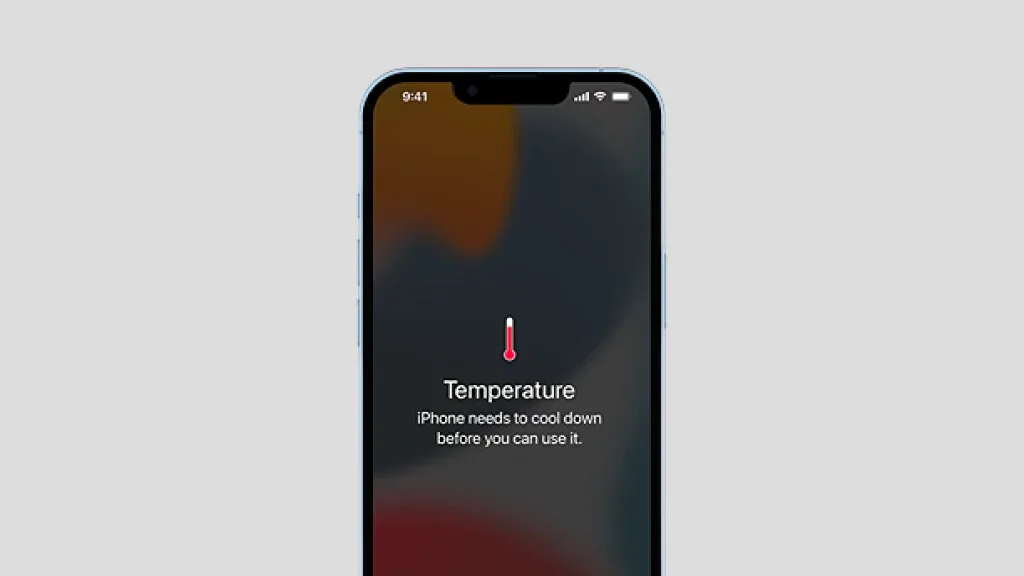
Try these first
Not every heating issue requires professional repair. If your iPhone started overheating recently, try these steps first — they resolve software-related issues in about 40% of cases.
Heating issues repair pricing varies enough that a quote upfront would be guesswork. Share your iPhone model and a technician calls back with the exact price — no obligation, no spam.
Overheating can range from mild warmth (normal during intensive tasks) to dangerous levels that damage components. Here's what each symptom usually points to.
Could be excessive background processes, degraded battery with high internal resistance, or a rogue app consuming CPU cycles. Software update often helps; persistent cases need battery replacement or diagnostics.
Usually points to charging IC malfunction, non-genuine charger, or battery degradation. Genuine Apple cables regulate current properly; third-party chargers often don't. If issue persists with genuine charger, hardware repair needed.
New iOS versions can temporarily increase CPU load during reindexing and background optimization. Usually settles within 24–48 hours. If not, factory reset sometimes helps before considering hardware repair.
Games, video editing, and camera apps generate heat normally. Becomes a problem when iPhone overheats within minutes even in cool environments — points to thermal paste degradation or CPU thermal throttling issues.
Internal short circuit or hardware failure — battery, charging IC, or power management IC drawing excessive current. Immediate diagnostic needed to prevent battery damage or board failure.
CPU or GPU area overheating. Could be thermal paste dried out (common in older models), bent frame reducing heatsink contact, or board-level component failure requiring micro-soldering repair.
Heating problems are diagnostic-intensive — the root cause isn't always obvious. We run systematic checks (software, battery health, charging circuit, thermal imaging) before proposing any repair.
Software checks → battery test → thermal imaging → board-level trace
Battery swap without proper diagnosis
Diagnosis first, repair second. We don't guess — systematic testing identifies the exact cause, then we quote the appropriate fix. Takes 30 minutes to 2 hours depending on complexity.
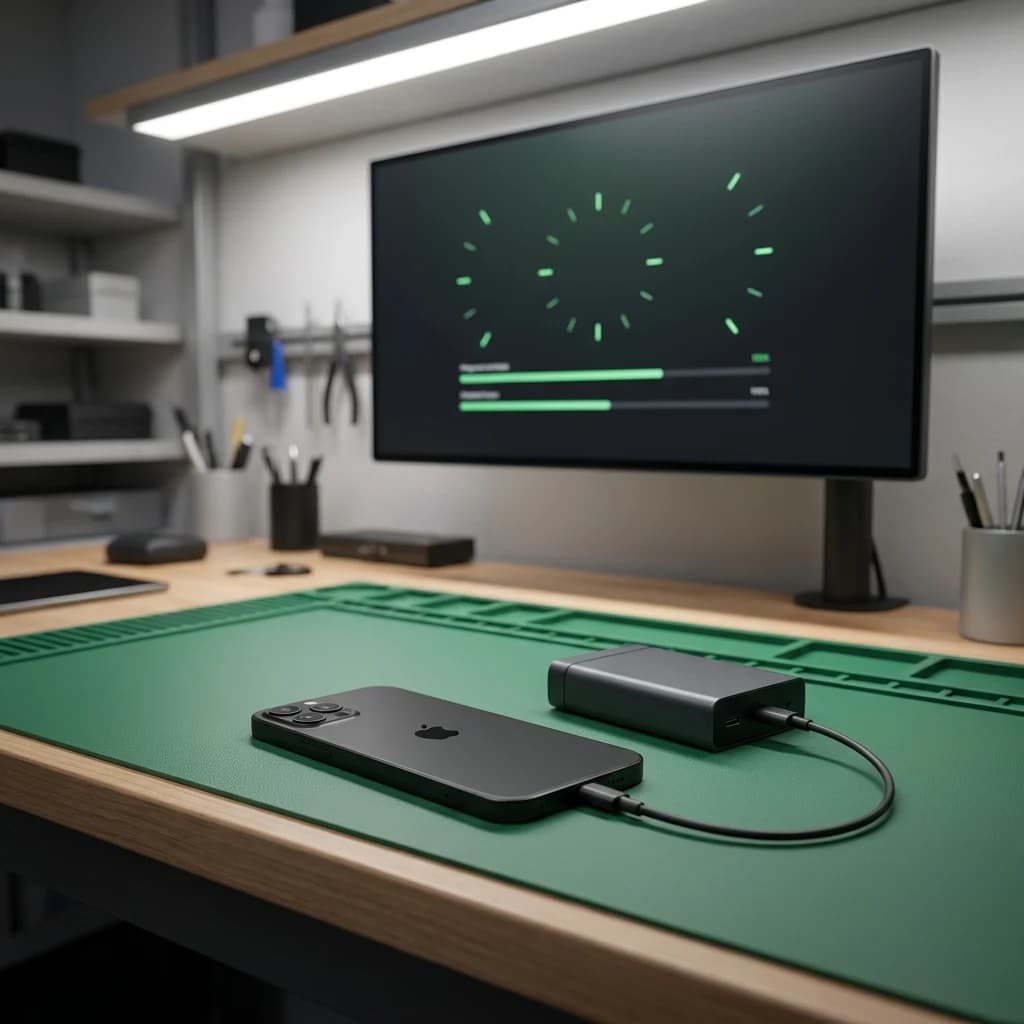
First, we rule out software causes. Check for rogue apps, background refresh settings, iOS version bugs, and storage issues. If software-related, we guide you through fixes at no charge.
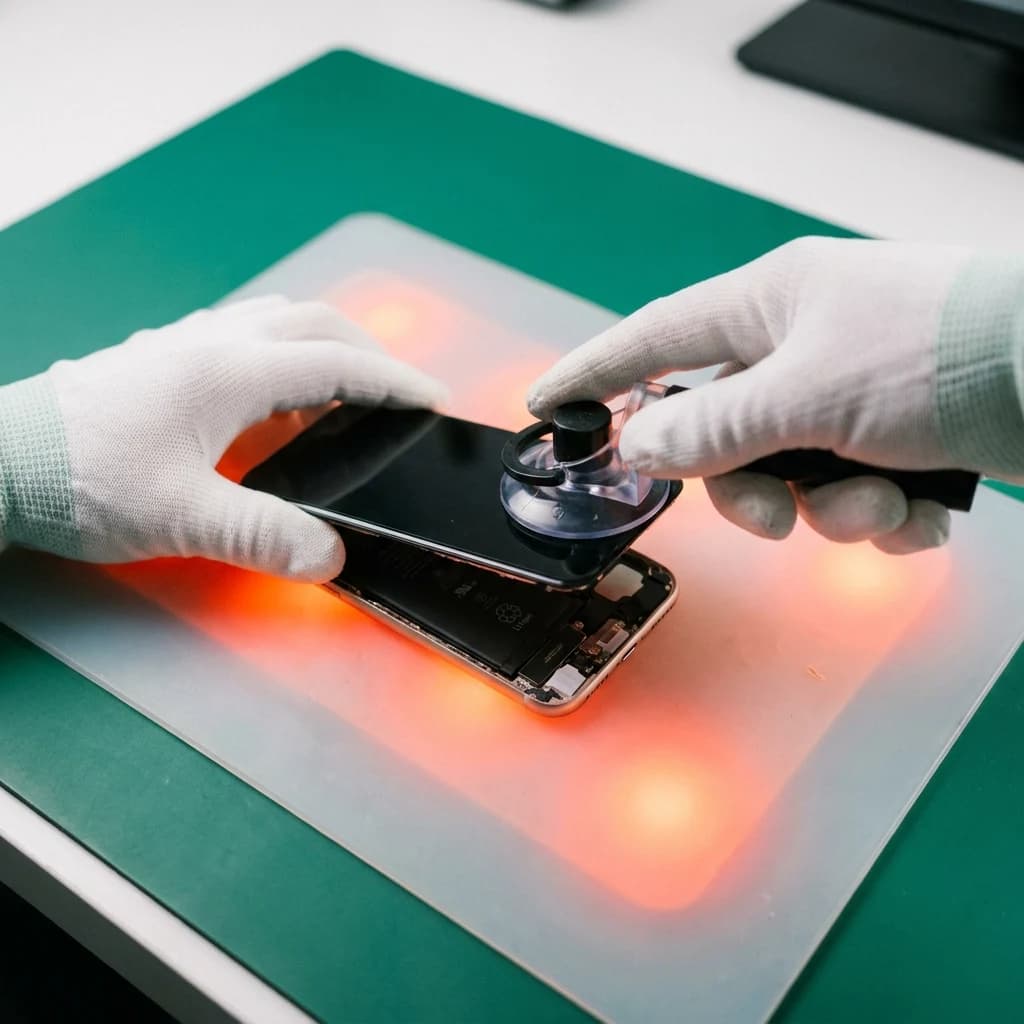
Run Apple Diagnostics battery test to measure actual capacity vs design capacity, plus internal resistance (impedance). Degraded batteries develop high impedance = more heat generation. If battery is the cause, we quote replacement.
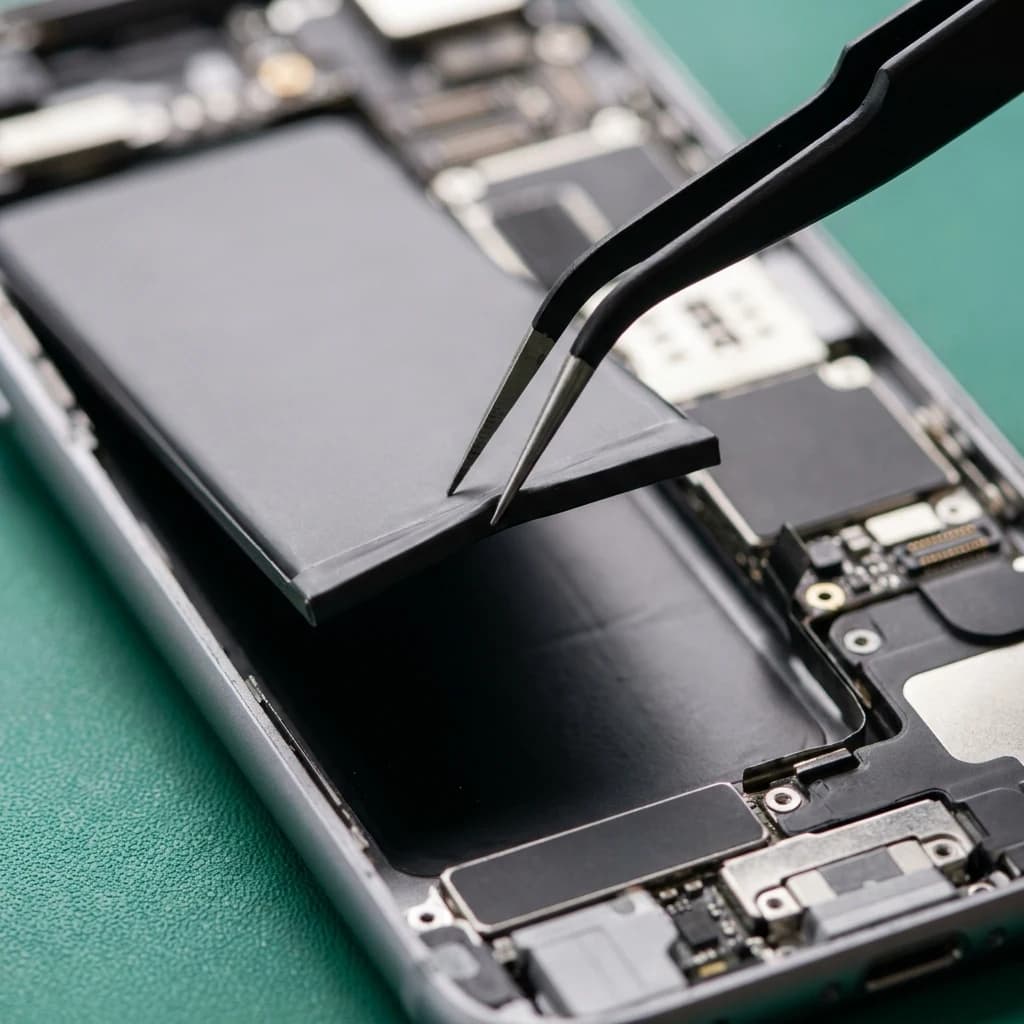
Test Tristar/Hydra IC function, measure voltage rails, inspect for corroded components. Use thermal camera to identify hotspots on the logic board during charging and idle. Pinpoints exact failing component.
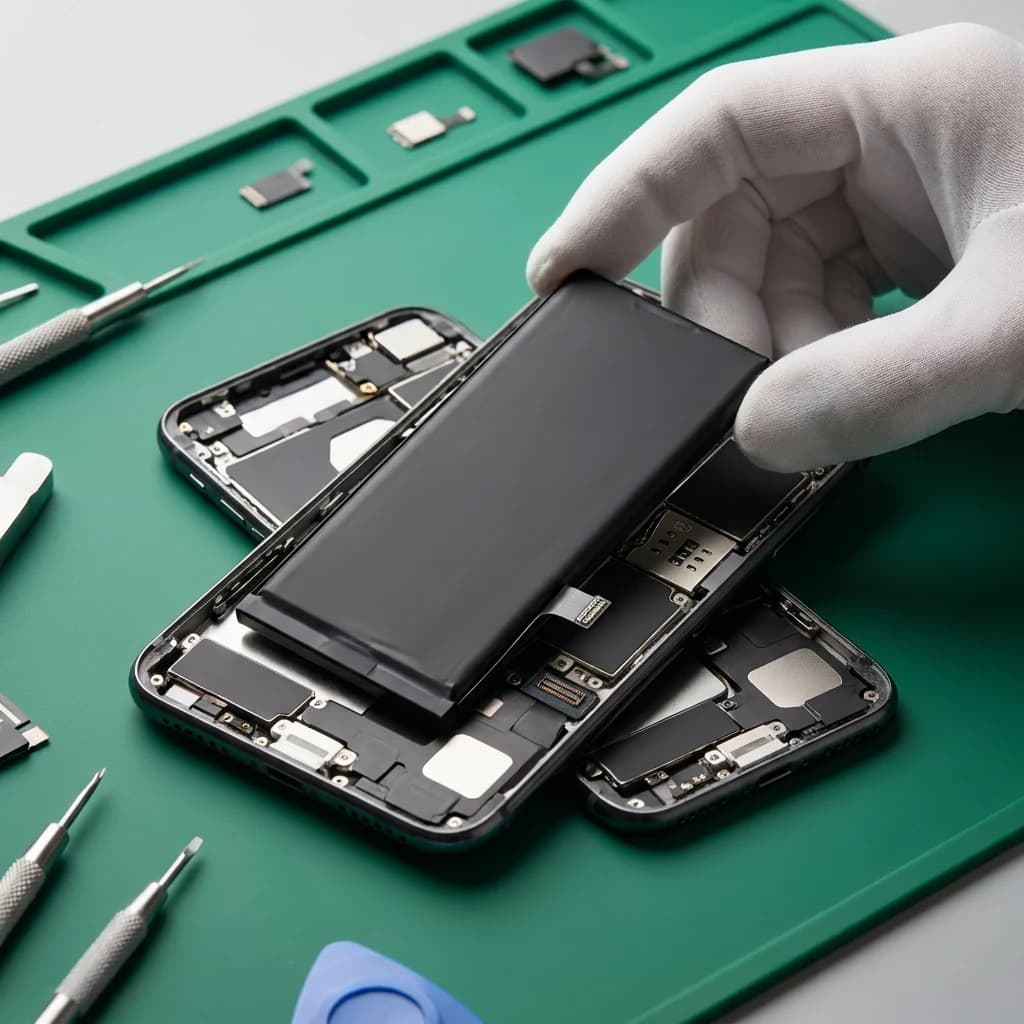
Written diagnostic report with exact cause identified — battery replacement, charging IC repair, thermal paste application, or board-level component fix. You approve before we proceed. Transparent pricing, no hidden costs.
Perform the approved repair — battery swap, IC replacement, or board-level fix. Post-repair thermal test under load (video recording, gaming) to verify normal operating temperature. Full Phonecheck diagnostic pass.
Three ways to get it fixed. Same parts, same warranty, same technicians — pick what works for you.
Bangalore · Mumbai · Chennai
ETA: 30 minutes from booking
We arrive at your home or office with a mobile workbench. Common repairs done on-site while you work. Digital invoice with full warranty details sent to your phone.
This repair is covered for 180 days — parts and labour. If the replaced part fails within that window, we fix it free of charge. ISO 9001:2015 certified service centre.
Read the full warranty policyOur 80-point Phonecheck diagnostic runs before any disassembly. If the issue turns out to be elsewhere — charging IC, board fault, software — we tell you, refund the booking, and quote the actual fix. No upsells.
“The technician arrived punctually at my residence, thoroughly explained the issue, and completed the iPhone 13 battery replacement in about 30 minutes. Seamless and professional.”

“These guys worked like magic. Apple said the only fix for my cracked iPad screen was to replace the entire unit — which I refused to believe. iTweak proved them wrong.”

“Booked a home appointment, the technician came on time and replaced the screen within 30 minutes — working great, no issues. Would recommend to anyone who wants to save money.”
“Got my Apple Watch battery replaced through iTweak in Bangalore — the entire experience was truly seamless and professional.”

“Quick same-day screen replacement for my iPhone 17 Pro Max. Highly recommend.”

“Best place for iPhone repair — genuine parts at an affordable price. They replaced the back panel of my iPhone 15 and I had it back within 4 hours.”

Walk in or book doorstep service at our Bangalore workshop. Free pickup & drop-off across Mumbai, Chennai and anywhere else in India.
35 Varthur Main Road, Marathahalli, Bangalore 560037
Free pickup & drop-off across the city — no doorstep visit needed.
Free pickup & drop-off across the city — no doorstep visit needed.
Software vs hardware, case-induced heating, battery degradation — the questions we hear about overheating.
iPhone heating can stem from software issues (background apps, iOS bugs), battery degradation (high internal resistance), charging problems (faulty IC or non-genuine charger), or hardware failures (internal shorts, thermal paste degradation). Proper diagnosis identifies the exact cause.
Mild warmth is normal, especially during fast charging. Excessive heat that makes the phone uncomfortable to hold is not normal and indicates a problem — usually the charging IC, battery degradation, or a non-genuine charger drawing inconsistent current.
Yes. Sustained overheating degrades the battery faster, can desolder components on the logic board, and may cause permanent damage to the CPU or other ICs. If your iPhone is consistently hot, get it diagnosed promptly to prevent cascading failures.
Depends on the root cause. Software fixes are free. Battery replacement costs vary by model. Charging IC repair or board-level component replacement costs more but still far less than a board swap or new iPhone. We provide a written quote after diagnosis.
Yes, for 24–48 hours. New iOS versions trigger background reindexing, photo analysis, and app optimization that temporarily increase CPU load and heat. If it persists beyond 2 days, bring it in for diagnostics — could indicate an underlying hardware issue worsened by the update.
No. If the iPhone displays a temperature warning or becomes too hot to hold, power it off and let it cool in a room-temperature environment (not a refrigerator). Continued use can damage the battery and internal components. Then bring it to us for diagnosis.
Yes, especially thick cases or those with poor ventilation. Try removing the case temporarily. If overheating persists without the case, it's a hardware issue. If it stops, consider a thinner case with better heat dissipation.
Sometimes yes, sometimes no. Degraded batteries are a common cause of heating, but not the only one. We diagnose first to confirm the battery is the culprit before replacing it. If battery health tests fine, we trace other causes. 6-month warranty on the repair once we identify and fix the real issue.
Available now · 9am – 8pm (Wed to 5pm, Sun 10am – 7pm)