
180-day warranty
Every battery replacement is covered for 180 days — parts and labour. If the new battery fails to perform within that window, we replace it free of charge. ISO 9001:2015 certified service centre.
Read the full warranty policyiPad speaker producing no sound, crackling, distorted, or muffled audio? Three common causes — blocked speaker grille (dust/debris), damaged speaker driver, or audio IC failure. We diagnose the actual issue before recommending repair. Free grille cleaning if that resolves it. 6-month warranty. Free pickup pan-India.
Or call us directly: 080 4710 3303
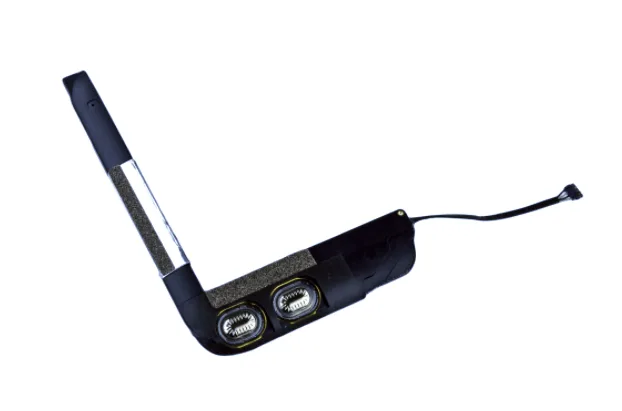
Honest diagnosis first
iPad "no sound" has four distinct causes — blocked grille (20% of cases), blown speaker driver (50%), audio codec IC fault (25%), or software issue (5%). Each requires a different fix. Cheap shops replace the speaker assembly hoping that's it; if it was actually the audio IC, you've wasted ₹3,000 and still have no sound. We diagnose first — free if you proceed, ₹500 if you don't. 6-month warranty on the part we replace.
Speaker not working repair pricing varies enough that a quote upfront would be guesswork. Share your iPad model and a technician calls back with the exact price — no obligation, no spam.
Speaker problems often start subtly — slight distortion, reduced volume — then worsen over time. Match your iPad's audio behaviour against these patterns.
Usually grille blockage from dust, lint, or pocket debris. Free ultrasonic cleaning + compressed air resolves ~20% of 'speaker not working' cases — no part replacement needed.
Damaged speaker driver — voice coil or diaphragm torn from drop impact or water exposure. Replacement restores clarity. Not fixable by cleaning.
Either speaker driver disconnected/dead, or audio IC fault not routing signal to speakers. Diagnostic isolates which component failed.
iPad Pro and some iPad Air models have dual speakers for stereo. If one side is silent, that specific driver is damaged. We replace only the failed speaker.
Often a software issue — check Settings > Sounds & Haptics, restart iPad first. If persistent after reboot, could be audio IC routing fault. Diagnostic needed.
Water damage to speaker driver or audio codec IC. Speaker might work intermittently as moisture evaporates, but permanent damage requires replacement. Ultrasonic cleaning + driver swap if caught early.
Speaker diagnosis is methodical — clean → test → driver → IC. Cheap shops swap the speaker and hope. We isolate the actual fault.
Clean → audio test → driver test → IC test → quote actual fix
Swap speaker and hope — no systematic diagnosis
Diagnosis first, repair second. We don't guess. Takes 30–60 minutes to isolate the actual cause, then we quote the appropriate fix. Free Blue Dart pickup pan-India.
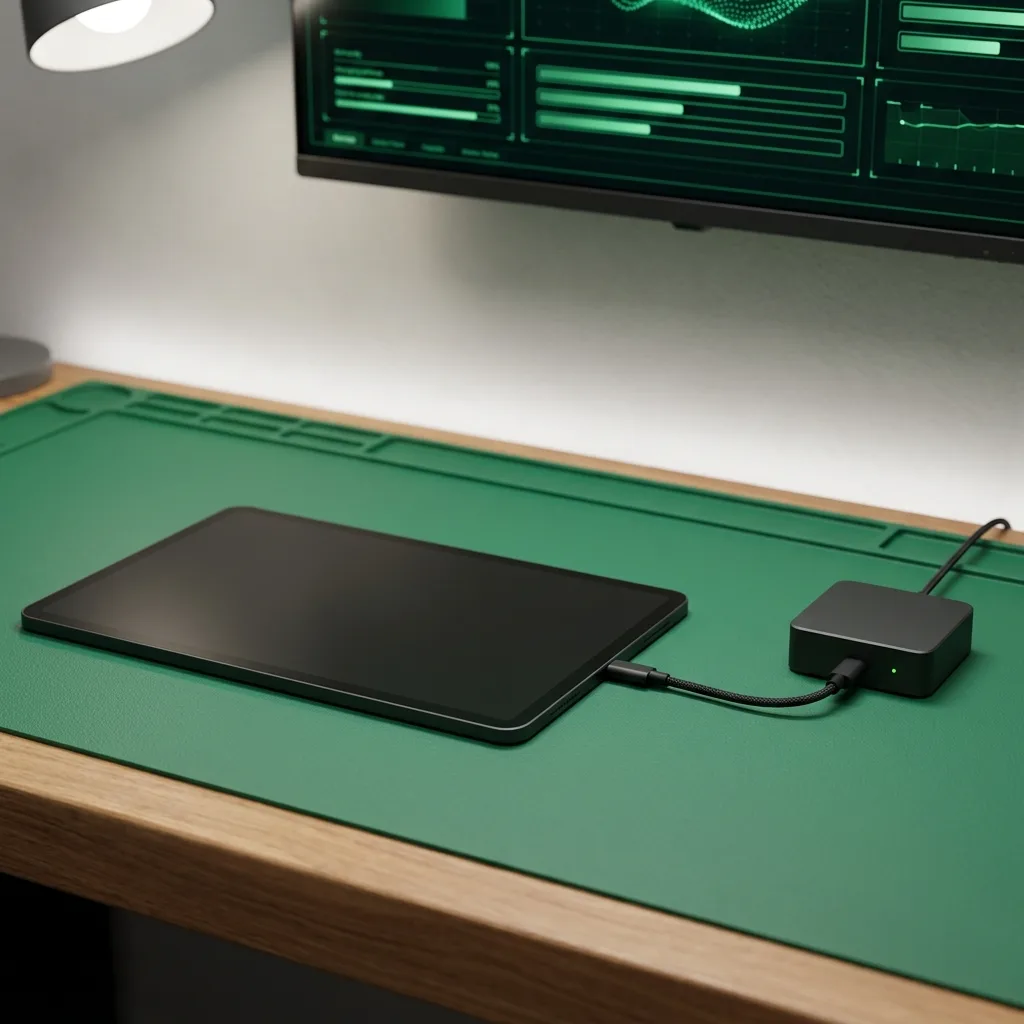
First, we remove dust, lint, and debris from speaker grilles using ultrasonic cleaning + compressed air. Inspect grille mesh for physical damage. If cleaning restores sound quality, no charge for the diagnostic — you're done.
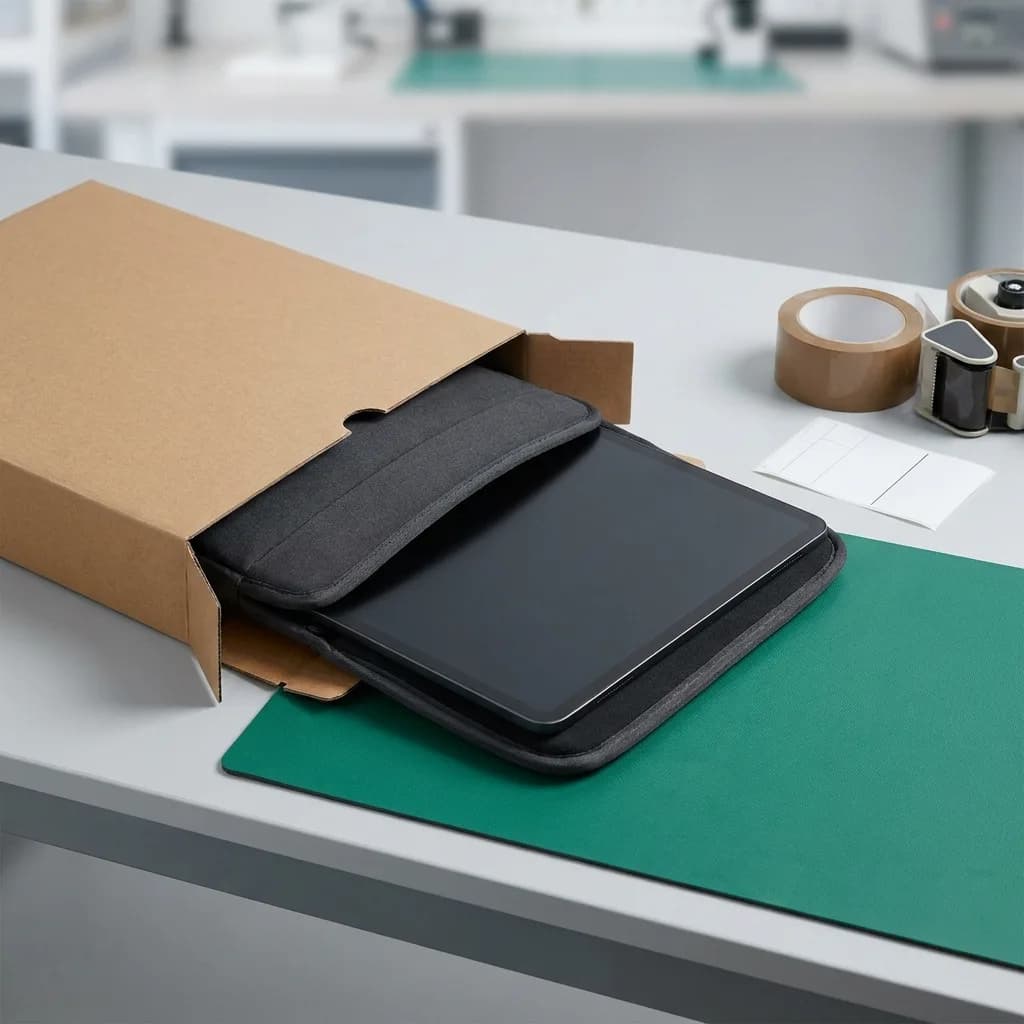
Play calibrated frequency sweep (20Hz–20kHz) and measure output with spectrum analyzer. Identifies distortion, clipping, or frequency drop-off indicating damaged voice coil or torn diaphragm.
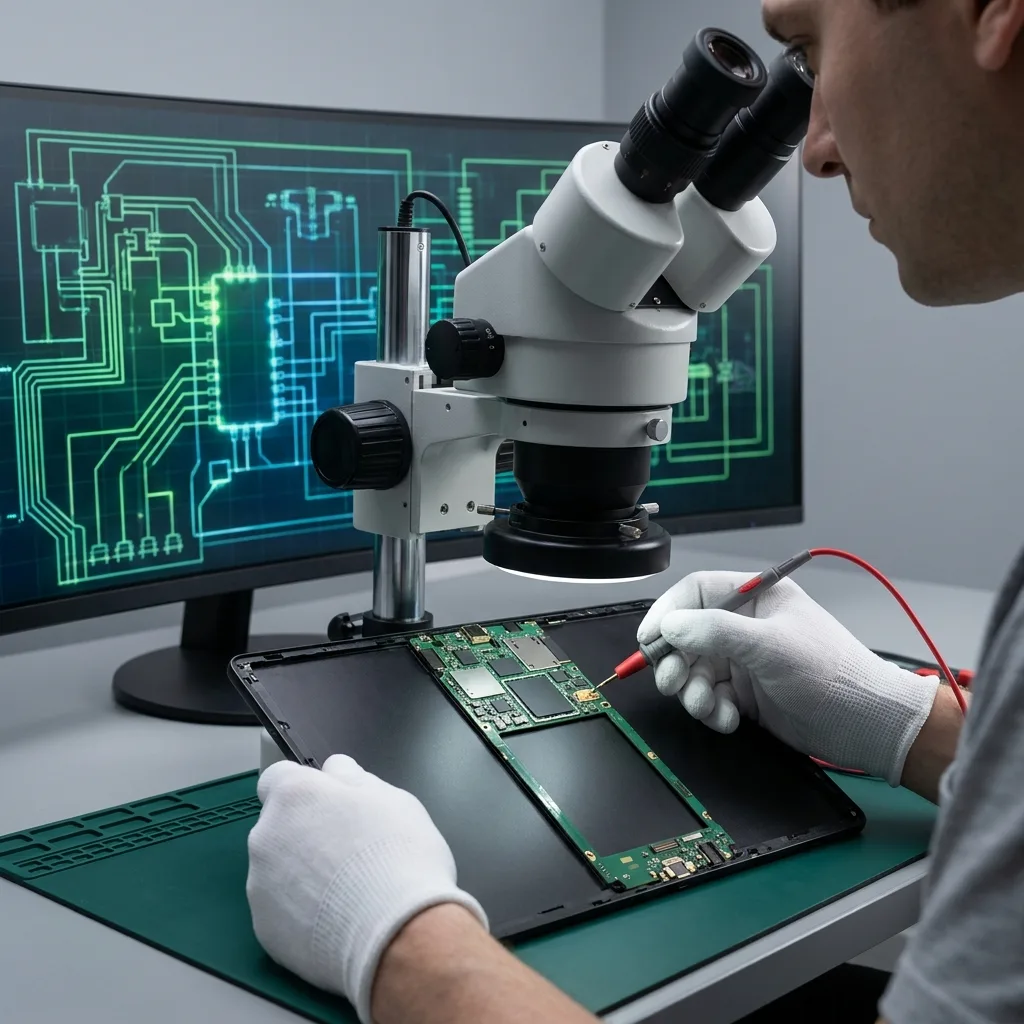
Measure speaker coil resistance with multimeter. Normal range: 6–8 ohms depending on model. Open circuit (infinite resistance) = dead speaker. Fluctuating resistance = loose connection or corroded flex cable.
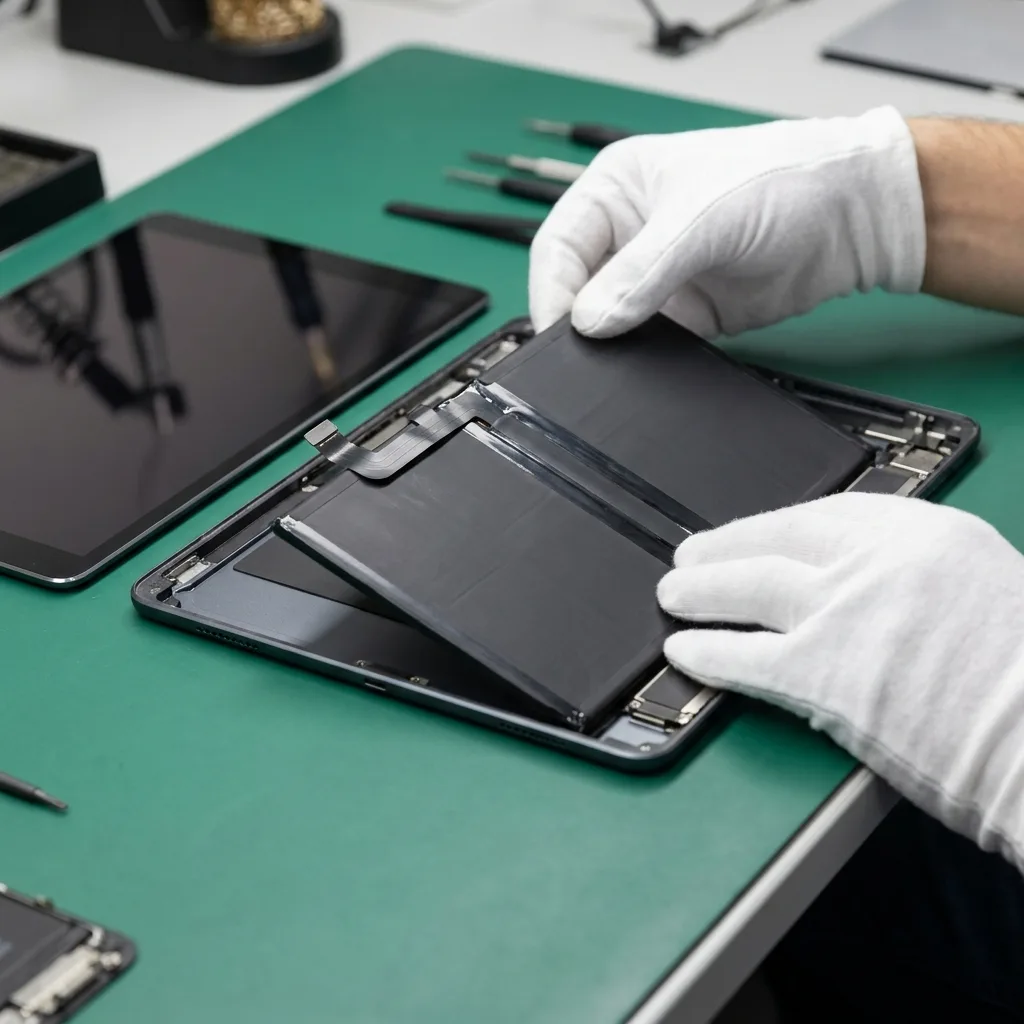
If speaker tests fine but still no sound, inspect audio codec IC on logic board. Check for corrosion (water damage), thermal damage (overheating), or solder joint failure. Board-level repair if IC is faulty.
Written diagnostic report with exact cause identified — grille cleaning, speaker driver replacement, audio IC repair, or combination. You approve before we proceed. Transparent pricing, no hidden costs. Post-repair audio test confirms full frequency response.
Three ways to get it fixed. Same parts, same warranty, same technicians — pick what works for you.
Anywhere in India
ETA: 24–48 hours round-trip
Free insured pickup by our courier partner. Device lands at our Bangalore lab within 24 hours, ships back the same day or next, fully tested under warranty.
Every battery replacement is covered for 180 days — parts and labour. If the new battery fails to perform within that window, we replace it free of charge. ISO 9001:2015 certified service centre.
Read the full warranty policyOur 80-point Phonecheck diagnostic runs before any disassembly. If the issue turns out to be elsewhere — charging IC, board fault, software — we tell you, refund the booking, and quote the actual fix. No upsells.
“The technician arrived punctually at my residence, thoroughly explained the issue, and completed the iPhone 13 battery replacement in about 30 minutes. Seamless and professional.”

“These guys worked like magic. Apple said the only fix for my cracked iPad screen was to replace the entire unit — which I refused to believe. iTweak proved them wrong.”

“Booked a home appointment, the technician came on time and replaced the screen within 30 minutes — working great, no issues. Would recommend to anyone who wants to save money.”
“Got my Apple Watch battery replaced through iTweak in Bangalore — the entire experience was truly seamless and professional.”

“Quick same-day screen replacement for my iPhone 17 Pro Max. Highly recommend.”

“Best place for iPhone repair — genuine parts at an affordable price. They replaced the back panel of my iPhone 15 and I had it back within 4 hours.”

Walk in or book doorstep service at our Bangalore workshop. Free pickup & drop-off across Mumbai, Chennai and anywhere else in India.
35 Varthur Main Road, Marathahalli, Bangalore 560037
Free pickup & drop-off across the city — no doorstep visit needed.
Free pickup & drop-off across the city — no doorstep visit needed.
Speaker vs audio IC, stereo vs mono, volume levels, Apple pricing — the audio questions our iPad techs hear.
Free grille cleaning if that resolves it. Speaker driver replacement: ₹2,500–₹4,500 depending on iPad model and whether stereo or single-speaker. Audio IC repair (board-level): ₹4,000–₹7,000. We quote after diagnostic — free diagnostic if you proceed, ₹500 if you don't.
No — speaker replacement doesn't touch storage. Your data, apps, photos, and settings remain intact. Only if the logic board itself needs extensive repair (rare) would we recommend backing up first, and we tell you upfront.
Diagnostic: 30–60 minutes on the bench. Speaker driver replacement: 1–2 hours (adhesive cure time included). Audio IC repair: 1–2 days (board-level micro-soldering). Free Blue Dart pickup + return: 4–6 day round-trip from anywhere in India.
Yes. iPad Pro (all models) have four speakers — two on each edge — for stereo separation. We can replace individual drivers if only one side is damaged. No need to swap all four unless multiple are blown.
First check Settings > Sounds & Haptics, and disable any volume limit. If maxed out and still quiet, likely grille blockage or partially torn diaphragm. Cleaning might help, but driver replacement ensures full output.
Usually yes — headphone jack or USB-C/Lightning audio output uses a different signal path than internal speakers. If headphones work fine but speakers don't, it's isolated to the speaker driver or audio IC output stage.
Water often damages the speaker driver or corrodes the audio IC. Bring it in immediately — ultrasonic cleaning can prevent corrosion from setting in. If caught within 24–48 hours, we can often save the original speaker. After that, driver replacement is safer.
6 months on speaker driver replacement (parts + labour). 6 months on audio IC repair. If speaker fails again within the warranty period for the same cause, free re-repair.
Available now · 9am – 8pm (Wed to 5pm, Sun 10am – 7pm)