
180-day warranty
Every battery replacement is covered for 180 days — parts and labour. If the new battery fails to perform within that window, we replace it free of charge. ISO 9001:2015 certified service centre.
Read the full warranty policyiPad not accepting charge, only charging at specific angles, or battery percentage frozen? Three common causes — dirty/worn port, charging IC failure, or battery degradation. We diagnose the actual issue before recommending repair. Free port cleaning if that resolves it. 6-month warranty. Free pickup pan-India.
Or call us directly: 080 4710 3303
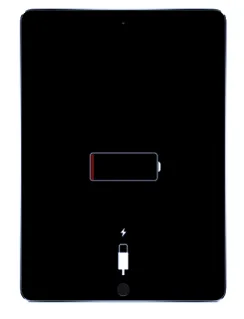
Honest diagnosis first
iPad "not charging" has four common causes — dirty port (30% of cases), worn port flex (40%), charging IC fault (20%), or battery refusing charge (10%). Each fix is different. Cheap shops swap the port (the visible part) and hope; if it was actually the IC or battery, the iPad still won't charge after their ₹4,000 repair. We diagnose first — free if you proceed, ₹500 if you don't. 6-month warranty on the part we replace.
Not charging repair pricing varies enough that a quote upfront would be guesswork. Share your iPad model and a technician calls back with the exact price — no obligation, no spam.
Charging problems rarely appear suddenly — they develop over weeks as port contacts wear or accumulate debris. Match your iPad's behaviour against these patterns.
Lint, dust, or pocket debris packed into the Lightning/USB-C port. Free cleaning resolves ~30% of 'not charging' cases — no part replacement needed.
Port flex wear — internal contacts are losing spring tension. Replacement restores reliable charging. Not fixable by cleaning alone.
Either a worn-out battery refusing to accept charge (battery health below 70%), or a charging IC fault not delivering power correctly. Diagnostic needed to isolate.
Often a faulty charging IC drawing excess current. Can damage the battery if left unchecked. Board-level repair needed.
Could be port wear (genuine cables fit more snugly) OR third-party cable issue. Test with multiple known-good cables before bringing it in.
USB-C port flex failure. More complex than Lightning (data + video + power all through one port), but same diagnostic approach — port vs IC.
Charging diagnosis is systematic — clean → port → IC → battery. Cheap shops skip diagnosis and swap parts hoping one works. We don't guess.
Clean → port test → IC test → battery test → quote actual fix
Swap port and hope — no systematic diagnosis
Diagnosis first, repair second. We don't guess. Takes 30–60 minutes to isolate the actual cause, then we quote the appropriate fix. Free Blue Dart pickup pan-India.
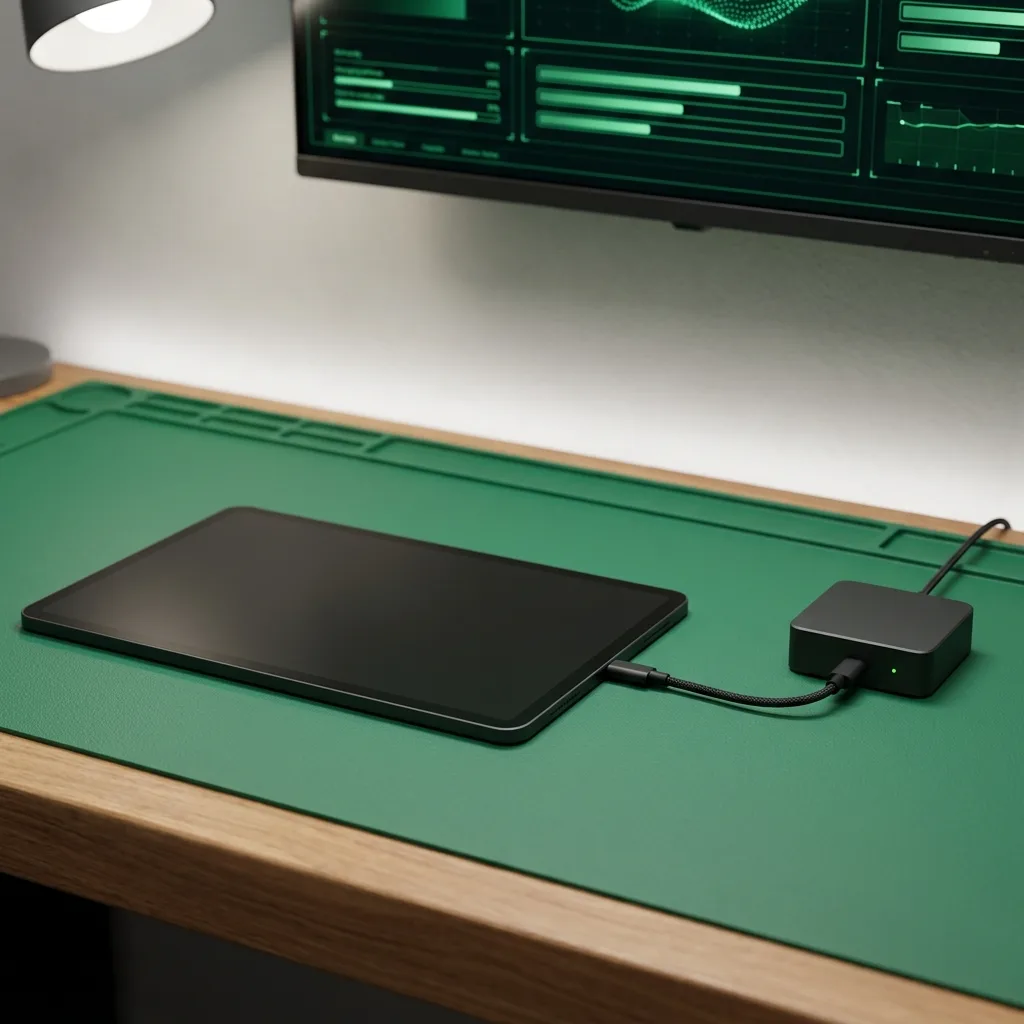
First, we remove lint, dust, and debris with ultrasonic cleaning + compressed air. Inspect port contacts under microscope for wear. If cleaning resolves it, no charge for the diagnostic — you're done.
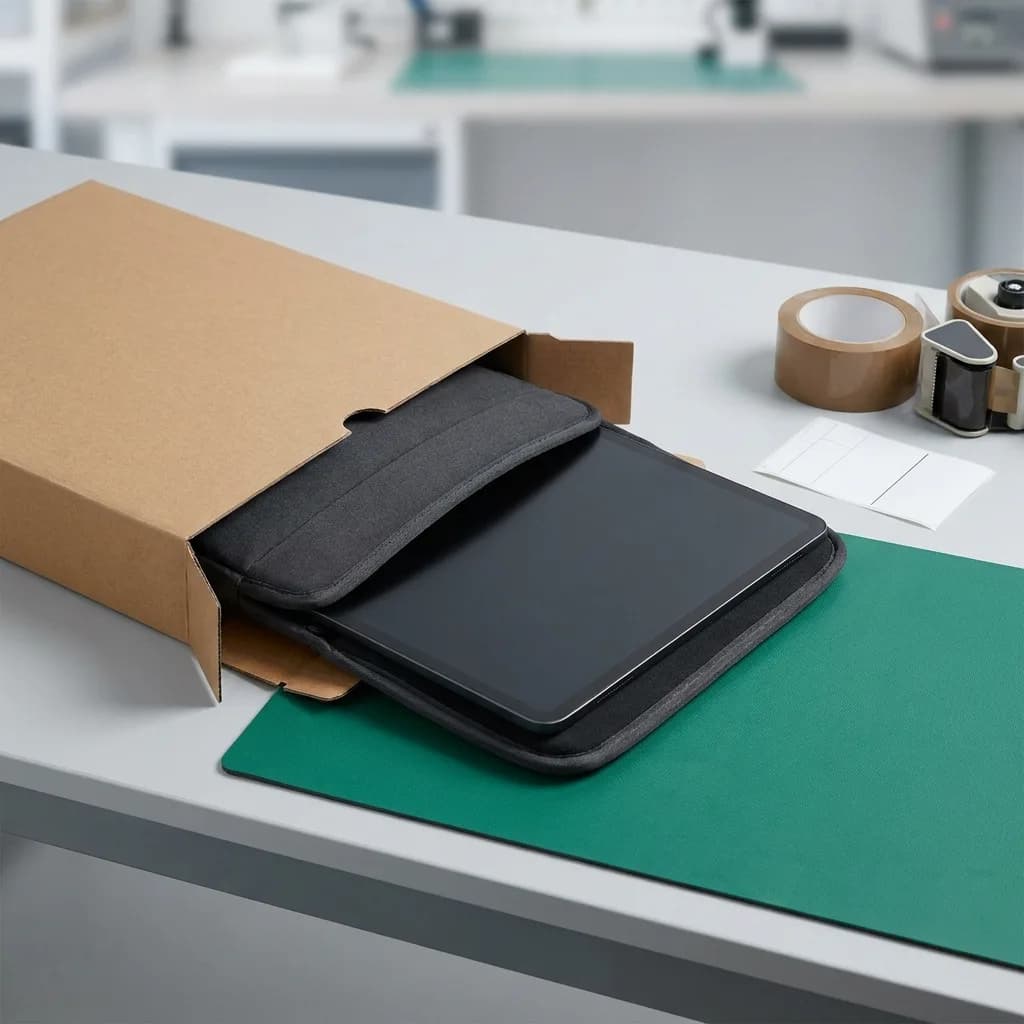
Test with genuine Apple Lightning/USB-C cables and third-party MFi-certified cables. Check if charging is intermittent, angle-dependent, or completely non-functional. Physical spring-tension test on port contacts.
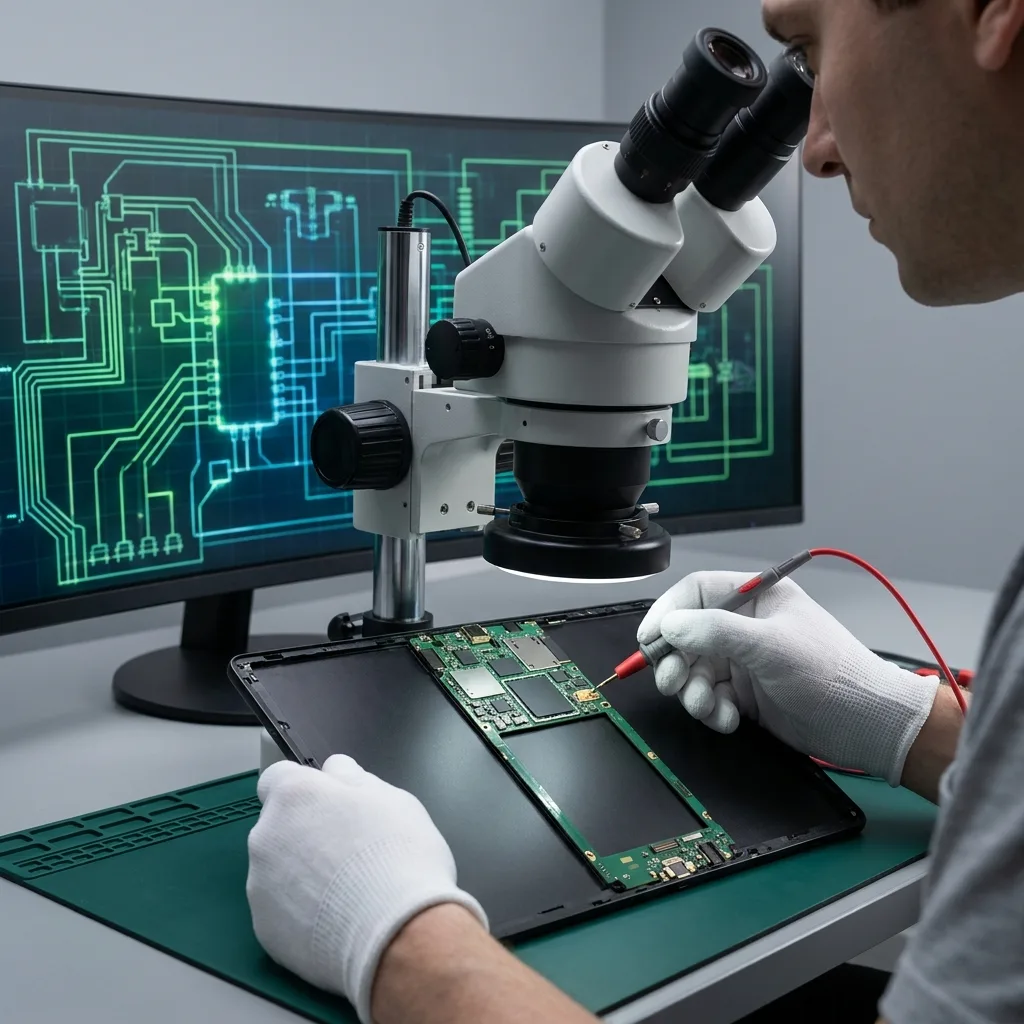
Connect iPad to bench power supply and measure current draw. Thermal imaging identifies overheating ICs. If the port flex tests fine but charging still fails, it's the charging IC on the logic board.
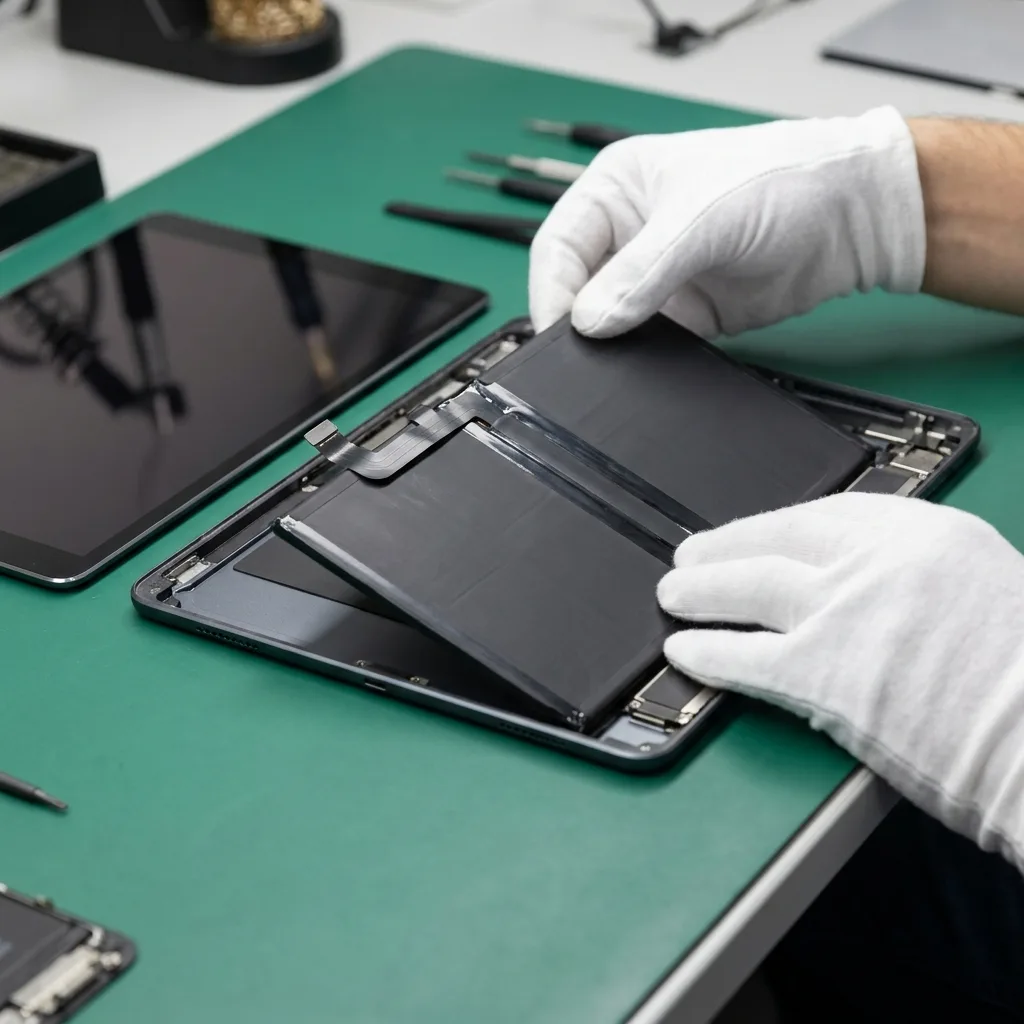
Run Apple Diagnostics battery check — measures actual capacity vs design capacity, plus internal resistance. Batteries below 70% health often refuse to accept charge even when port + IC are fine.
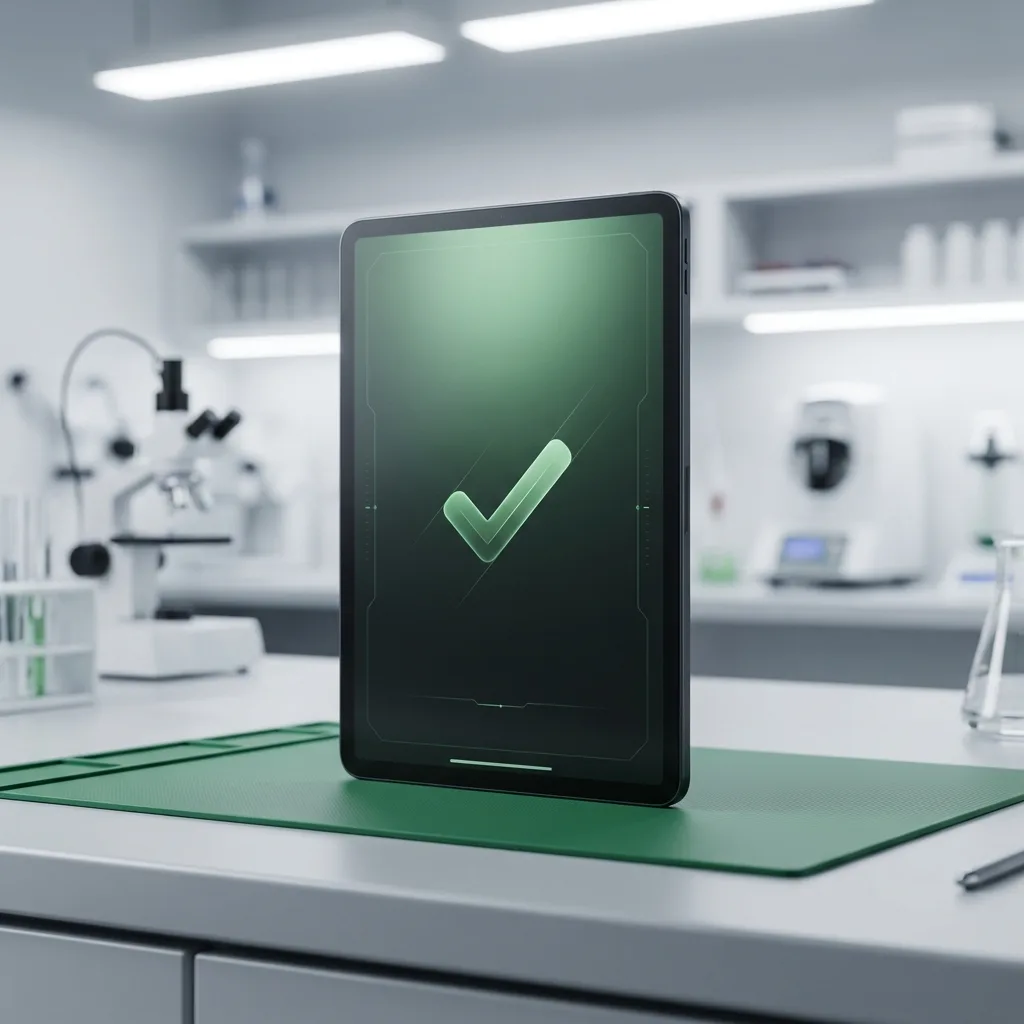
Written diagnostic report with exact cause identified — port flex replacement, charging IC repair, battery replacement, or combination. You approve before we proceed. Transparent pricing, no hidden costs. Post-repair charging test confirms fix.
Three ways to get it fixed. Same parts, same warranty, same technicians — pick what works for you.
Anywhere in India
ETA: 24–48 hours round-trip
Free insured pickup by our courier partner. Device lands at our Bangalore lab within 24 hours, ships back the same day or next, fully tested under warranty.
Every battery replacement is covered for 180 days — parts and labour. If the new battery fails to perform within that window, we replace it free of charge. ISO 9001:2015 certified service centre.
Read the full warranty policyOur 80-point Phonecheck diagnostic runs before any disassembly. If the issue turns out to be elsewhere — charging IC, board fault, software — we tell you, refund the booking, and quote the actual fix. No upsells.
“The technician arrived punctually at my residence, thoroughly explained the issue, and completed the iPhone 13 battery replacement in about 30 minutes. Seamless and professional.”

“These guys worked like magic. Apple said the only fix for my cracked iPad screen was to replace the entire unit — which I refused to believe. iTweak proved them wrong.”

“Booked a home appointment, the technician came on time and replaced the screen within 30 minutes — working great, no issues. Would recommend to anyone who wants to save money.”
“Got my Apple Watch battery replaced through iTweak in Bangalore — the entire experience was truly seamless and professional.”

“Quick same-day screen replacement for my iPhone 17 Pro Max. Highly recommend.”

“Best place for iPhone repair — genuine parts at an affordable price. They replaced the back panel of my iPhone 15 and I had it back within 4 hours.”

Walk in or book doorstep service at our Bangalore workshop. Free pickup & drop-off across Mumbai, Chennai and anywhere else in India.
35 Varthur Main Road, Marathahalli, Bangalore 560037
Free pickup & drop-off across the city — no doorstep visit needed.
Free pickup & drop-off across the city — no doorstep visit needed.
Port vs IC, data safety, USB-C vs Lightning, Apple pricing — the charging questions our iPad techs hear.
Free cleaning if that resolves it. Lightning port flex replacement: ₹2,000–₹4,500 depending on iPad model. USB-C port flex replacement: ₹2,500–₹5,000. Charging IC repair (board-level): ₹3,500–₹6,500. Battery replacement: ₹3,500–₹7,000. We quote after diagnostic — free diagnostic if you proceed, ₹500 if you don't.
No — charging port repair doesn't touch the storage. Your data, apps, photos, and settings remain intact. Only if the SSD itself is damaged (rare) would data be at risk, and we tell you upfront before any work.
Diagnostic: 30–60 minutes on the bench. Port flex replacement: 1–2 hours (adhesive cure time included). Charging IC repair: 1–2 days (board-level micro-soldering). Free Blue Dart pickup + return: 4–6 day round-trip from anywhere in India.
Apple Authorized Service Providers follow Apple's parts catalogue, which often lists 'whole-device replacement' for charging issues. Their pricing makes this nearly as expensive as a new iPad. iTweak does component-level repair — port flex or IC, not the whole device. Much more economical.
Yes. USB-C port flex is more complex than Lightning (handles data + video + power + fast charging), but we stock the parts and do the repair regularly. Same diagnostic approach — clean → port → IC → battery.
We do board-level micro-soldering to replace the charging IC without swapping the whole logic board. Costs ₹3,500–₹6,500 depending on iPad model, compared to ₹15,000–₹30,000 for a full board swap. Data preserved.
Yes if we fit Apple-spec parts (which we always do). Lightning port flex supports up to 12W charging (2.4A at 5V). USB-C port flex supports USB Power Delivery up to 18W–30W depending on iPad model and charger used.
6 months on port flex replacement (parts + labour). 6 months on charging IC repair. If charging fails again within the warranty period for the same cause, free re-repair.
Available now · 9am – 8pm (Wed to 5pm, Sun 10am – 7pm)