
180-day warranty
Every battery replacement is covered for 180 days — parts and labour. If the new battery fails to perform within that window, we replace it free of charge. ISO 9001:2015 certified service centre.
Read the full warranty policyiPad getting uncomfortably hot, battery draining fast, apps lagging, or shutting down due to temperature? Overheating has multiple causes — degraded battery, charging IC drawing excess current, PMU fault, dried thermal paste, or software issues. We diagnose systematically with thermal imaging and power analysis. 6-month warranty on hardware repairs. Free pickup pan-India.
Or call us directly: 080 4710 3303
Diagnostic-first approach
iPad overheating has six common causes — degraded battery generating excess heat (40% of cases), charging IC drawing too much current (20%), PMU fault causing power mismanagement (15%), dried thermal paste/compound (10%), runaway background processes (10%), or blocked internal airflow from dust (5%). Each requires a different fix. Cheap shops default to battery replacement hoping that resolves it; if it was actually the charging IC or PMU, you've wasted ₹5,000 and it still overheats. We diagnose first with thermal imaging and power draw measurement — isolates the actual heat source. Free diagnostic if you proceed with repair, ₹500 if software-only (no hardware fault found). 6-month warranty on hardware components replaced.
Heating issues repair pricing varies enough that a quote upfront would be guesswork. Share your iPad model and a technician calls back with the exact price — no obligation, no spam.
Overheating rarely appears suddenly — it develops over weeks as components degrade or software accumulates background tasks. Match your iPad's behaviour against these patterns.
Either degraded battery (high internal resistance generates heat during charging) or faulty charging IC drawing excess current. Both fixable — battery replacement or IC-level repair. Not normal 'slight warmth' — we mean uncomfortably hot to touch.
Runaway background processes or PMU fault. Check Settings > Battery for apps consuming unusual power. If battery health is fine and no rogue apps, likely PMU causing improper voltage regulation — board-level repair needed.
Localized heat = specific IC overheating. Thermal imaging pinpoints which one. Common culprits: PMU (near charging port), Wi-Fi IC (upper edge), or CPU (center). Indicates IC fault, not battery.
iOS thermal throttling protecting the CPU. If it happens during normal use (not gaming or video export), the cooling system isn't working — dried thermal paste, blocked airflow, or battery swelling reducing internal space.
Extreme overheating triggering iOS safety shutdown. Often caused by degraded battery (swelling restricts airflow) or PMU fault (voltage spikes generate heat). Don't ignore this — prolonged overheating damages CPU and storage.
Background app refresh, push notifications, or mail fetch running constantly. Check Settings > Battery > Battery Usage by App. If software is clean, likely PMU fault keeping power rails active when they should idle.
Overheating diagnosis requires thermal imaging, power measurement, and software analysis. Cheap shops skip diagnosis, swap battery, hope. We isolate the actual heat source.
Thermal scan → power analysis → software check → targeted repair
Assume battery, swap it, hope — no thermal analysis
Overheating diagnosis is methodical — software first (free if that resolves it), then hardware. Takes 1–2 hours to isolate the actual cause. Free Blue Dart pickup pan-India.
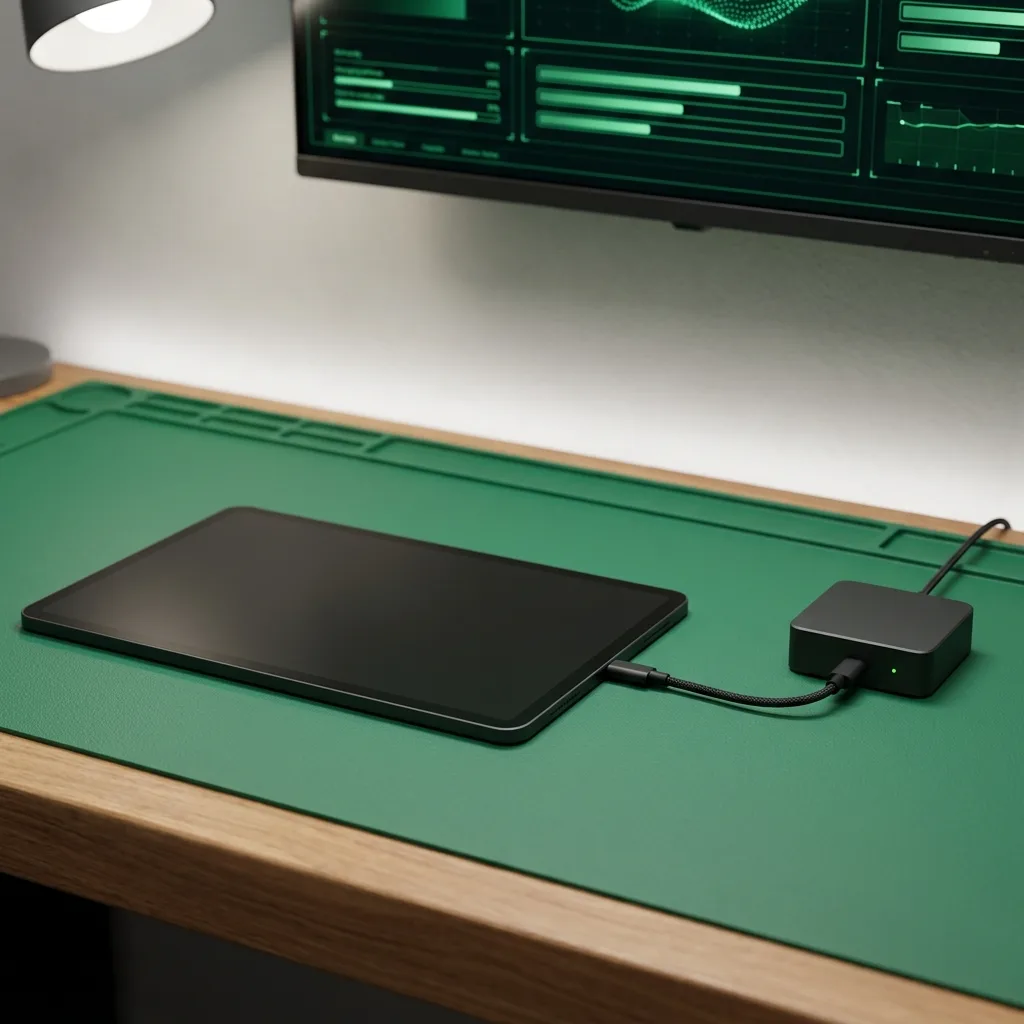
Check Settings > Battery for rogue apps consuming power. Disable background app refresh, reduce mail fetch frequency, check for stuck indexing (Spotlight). Restart iPad, test for 30 minutes. If overheating stops, it was software — no hardware repair needed (no charge beyond diagnostic fee).
Run CPU-intensive task (video export or game) while scanning iPad with FLIR thermal camera. Identifies exact hot spots — if heat is concentrated at battery, it's likely battery fault. If heat is near charging port, charging IC or PMU. If CPU area, could be dried thermal paste.
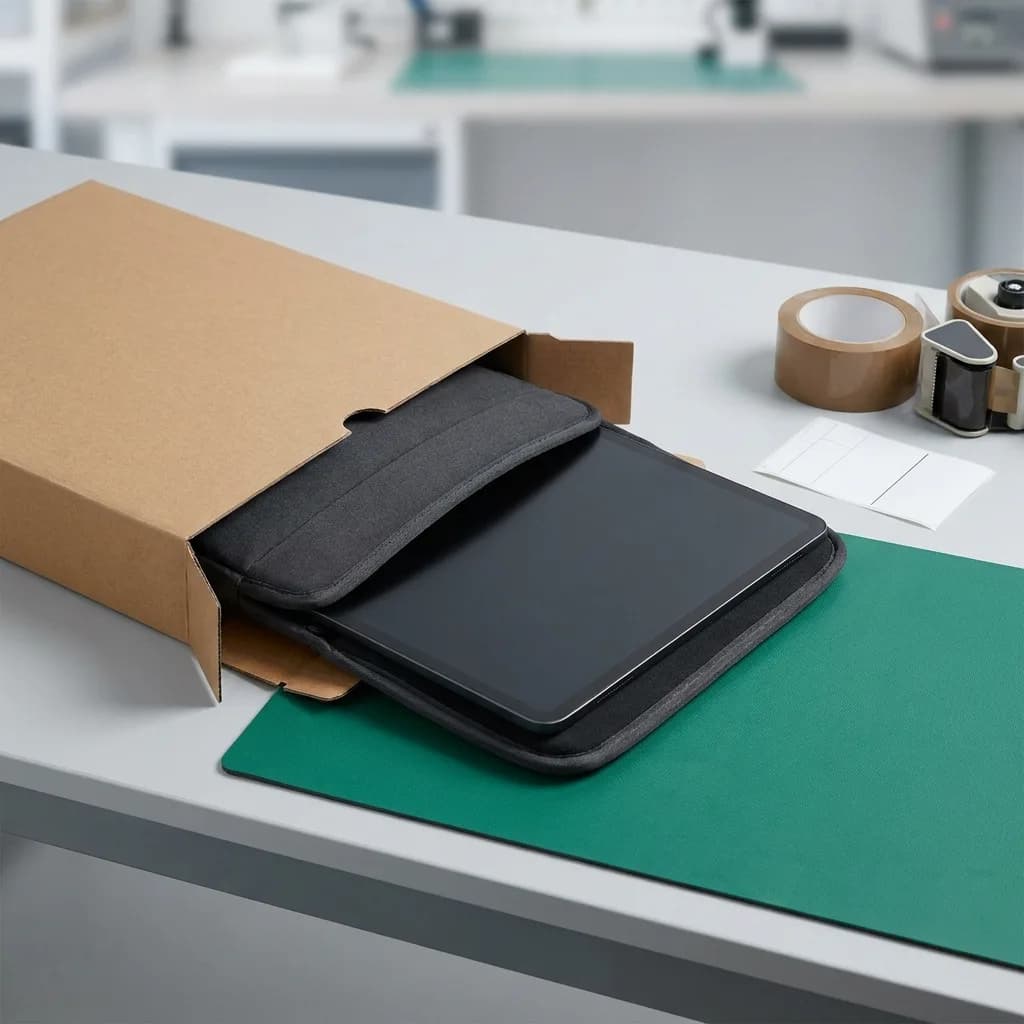
Remove battery, measure actual capacity vs design capacity and internal resistance. High resistance (>200mΩ for most iPads) means battery generates excess heat during charge/discharge. If health is below 80% or resistance is high, battery replacement recommended.
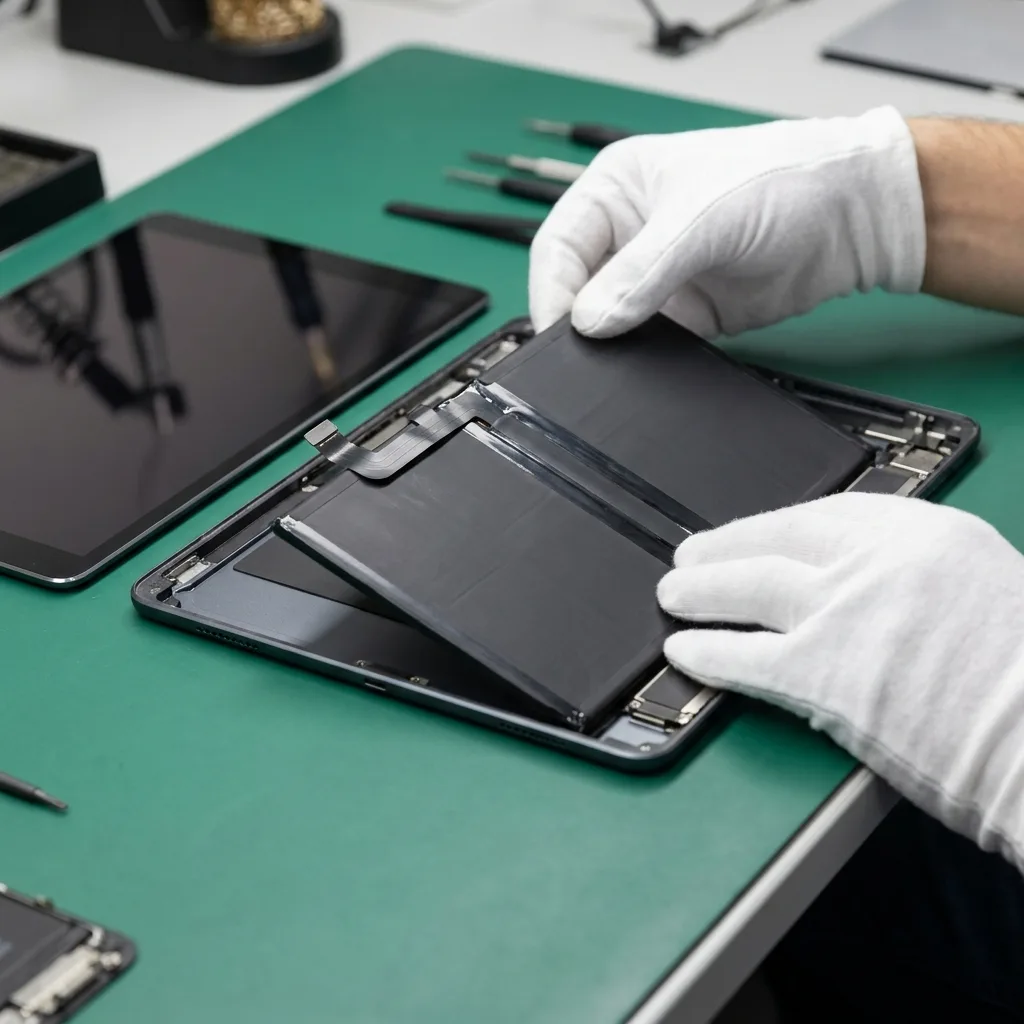
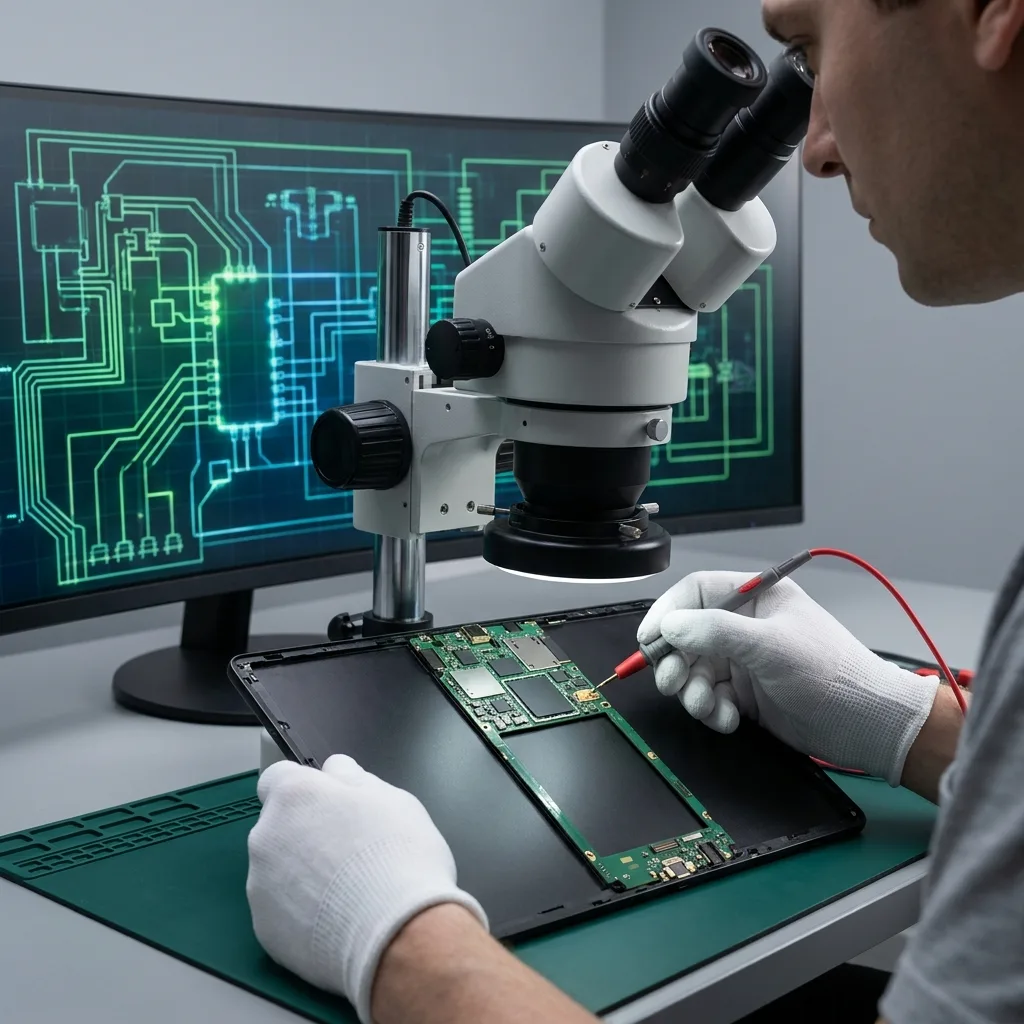
Connect iPad to bench power supply, measure current draw on major power rails under load. Compare against schematic spec. If draw is 2x+ normal, a specific IC is faulty. Use thermal camera to pinpoint which IC — PMU, charging IC, or Wi-Fi IC most common culprits.
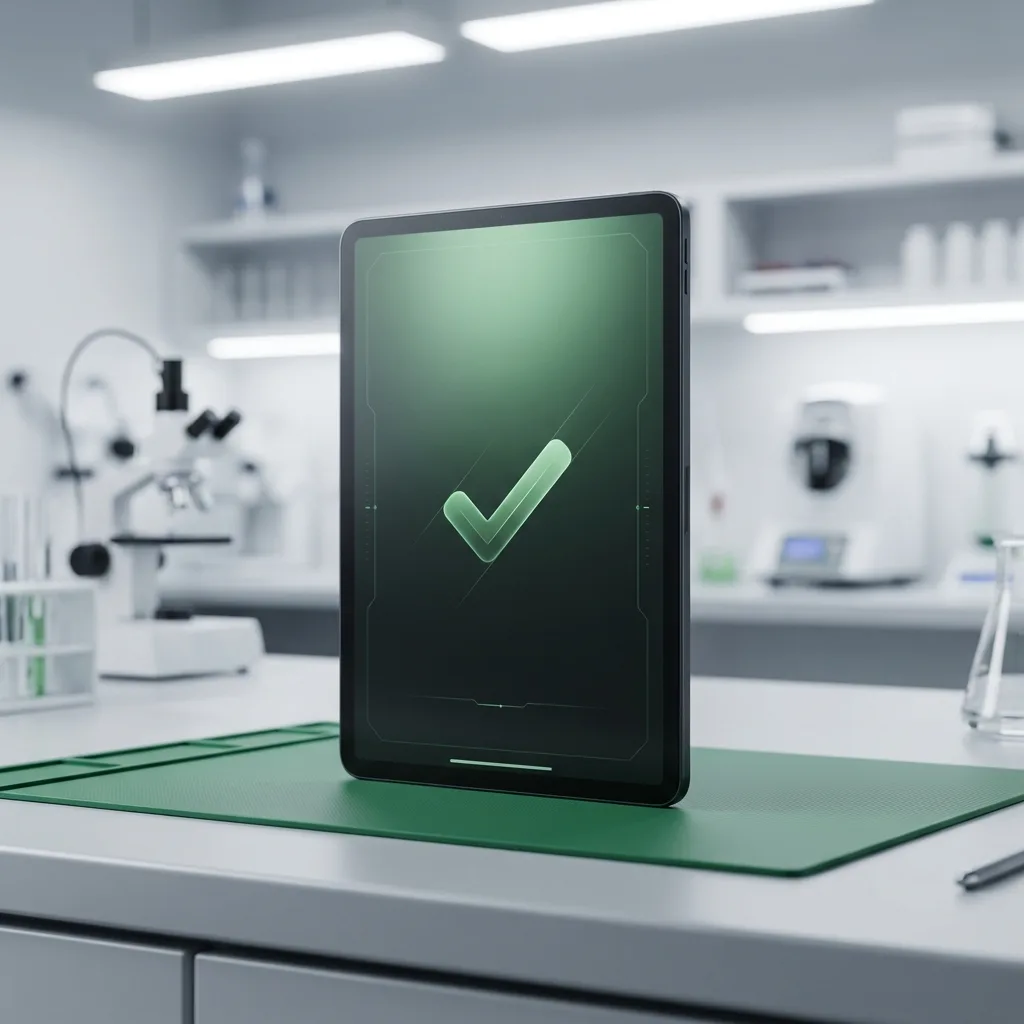
Replace identified component — degraded battery, faulty charging IC, or PMU. Reapply thermal compound on CPU/GPU if dried out (improves heat dissipation by 10–15%). Reassemble, run stress test for 1 hour to confirm temperatures are within normal range (30–40°C idle, 45–55°C under load).
Three ways to get it fixed. Same parts, same warranty, same technicians — pick what works for you.
Anywhere in India
ETA: 24–48 hours round-trip
Free insured pickup by our courier partner. Device lands at our Bangalore lab within 24 hours, ships back the same day or next, fully tested under warranty.
Every battery replacement is covered for 180 days — parts and labour. If the new battery fails to perform within that window, we replace it free of charge. ISO 9001:2015 certified service centre.
Read the full warranty policyOur 80-point Phonecheck diagnostic runs before any disassembly. If the issue turns out to be elsewhere — charging IC, board fault, software — we tell you, refund the booking, and quote the actual fix. No upsells.
“The technician arrived punctually at my residence, thoroughly explained the issue, and completed the iPhone 13 battery replacement in about 30 minutes. Seamless and professional.”

“These guys worked like magic. Apple said the only fix for my cracked iPad screen was to replace the entire unit — which I refused to believe. iTweak proved them wrong.”

“Booked a home appointment, the technician came on time and replaced the screen within 30 minutes — working great, no issues. Would recommend to anyone who wants to save money.”
“Got my Apple Watch battery replaced through iTweak in Bangalore — the entire experience was truly seamless and professional.”

“Quick same-day screen replacement for my iPhone 17 Pro Max. Highly recommend.”

“Best place for iPhone repair — genuine parts at an affordable price. They replaced the back panel of my iPhone 15 and I had it back within 4 hours.”

Walk in or book doorstep service at our Bangalore workshop. Free pickup & drop-off across Mumbai, Chennai and anywhere else in India.
35 Varthur Main Road, Marathahalli, Bangalore 560037
Free pickup & drop-off across the city — no doorstep visit needed.
Free pickup & drop-off across the city — no doorstep visit needed.
Software vs hardware, battery health, normal vs abnormal heat, Apple pricing — the heating questions our iPad techs hear.
Software-only diagnostic (if that resolves it): ₹500. Battery replacement (if degraded): ₹3,500–₹7,000 depending on model. Charging IC replacement (board-level): ₹4,000–₹6,500. PMU replacement (board-level): ₹5,000–₹8,000. Thermal paste reapplication: ₹1,000 (included free if we're already replacing battery or doing board repair). We quote after diagnosis.
Slight warmth during gaming, video editing, or charging is normal (35–45°C). 'Too hot to comfortably hold' (50°C+), throttling during basic apps, or iOS temperature warnings are NOT normal — indicates hardware fault or software issue needing diagnosis.
Yes. Prolonged overheating (weeks/months) degrades the battery faster, can desolder logic board components (literally melts solder joints), and shortens CPU/storage lifespan. iOS has thermal shutdown to prevent catastrophic damage, but repeated shutdowns indicate the problem is serious.
Software diagnostic: 30–45 minutes (free if that resolves it, ₹500 if you decline hardware repair). Hardware diagnostic (thermal imaging + power testing): 1–2 hours. Repair (battery or IC replacement): 2–4 hours same-day, or 1–2 days if micro-soldering needed. Free Blue Dart pickup + return: 4–6 day round-trip from anywhere in India.
First isolate software vs hardware — if ONLY during one app (e.g., a game), likely that app is poorly optimized or has a memory leak. Try updating the app or reinstalling. If overheating persists across multiple apps or during charging, it's hardware (battery or IC fault).
Only if the battery is actually the cause (degraded cells, high internal resistance, or swelling restricting airflow). Our diagnostic isolates this before swapping. If it's a charging IC or PMU fault, new battery won't help — need board-level repair.
Yes if caught early. Water often corrodes charging IC or PMU causing them to draw excess current (generates heat). Ultrasonic cleaning + IC replacement resolves it. If battery was also water-damaged (corroded internally), replace that too. Success rate depends on how quickly you brought it in.
6 months on battery replacement. 6 months on charging IC or PMU repair. If overheating recurs within warranty period due to the same component, free re-repair. Does not cover new/different faults developing later (we document exactly what we repaired).
Available now · 9am – 8pm (Wed to 5pm, Sun 10am – 7pm)