
iPhone Won't Turn On? Here's What's Actually Wrong (and How to Fix It)
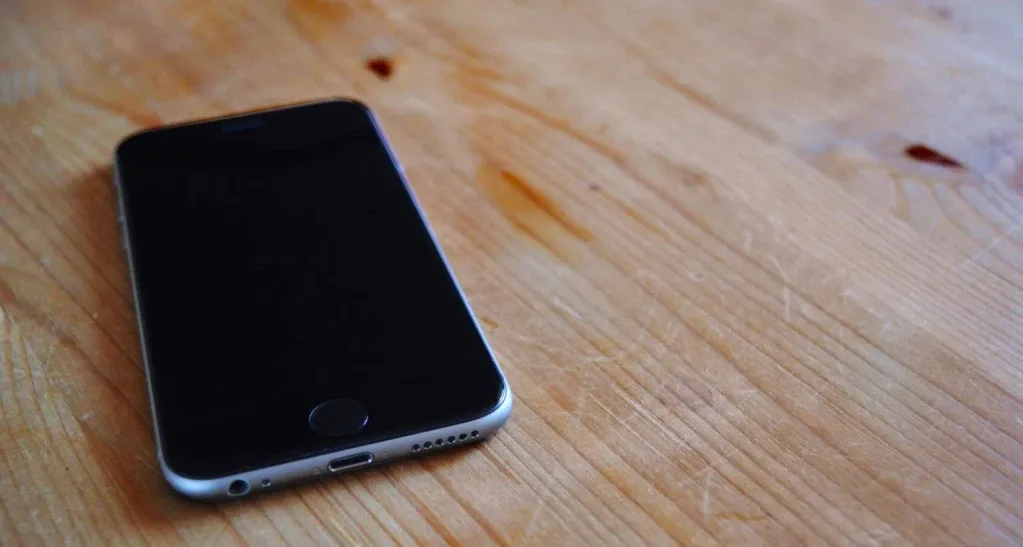
First, don't panic — try these quick fixes
Before you assume the worst, rule out the easy stuff. A surprising number of 'my iPhone is dead' cases are a deeply drained battery or a frozen screen that just needs a force-restart. None of the steps below can damage your phone, and they cost you nothing but a few minutes.
Work through them in order. If one of them brings the screen back to life, you've saved yourself a repair entirely. If nothing happens, the symptom you're left with is a useful clue for the next section.
- Plug into a known-good charger and wall socket (not a laptop port or a flaky cable) and leave it for a full 30 minutes before testing again — a deeply drained battery shows nothing for the first several minutes.
- Swap the cable and adapter. A frayed cable or a dud adapter is one of the most common reasons an iPhone won't turn on.
- Force-restart: on iPhone 8 and later, press and quickly release Volume Up, then Volume Down, then press and hold the Side button until the Apple logo appears (about 10–15 seconds).
- Check for any sign of life — a faint Apple logo, a vibration, a warm back, or the empty-battery icon. Even a flicker tells you the board has power.
- Clean the charging port gently with a dry, soft brush. Lint packed into the port is a genuine and very fixable culprit.
Read the symptom: what your iPhone is telling you
If the quick fixes didn't work, the exact way your iPhone is failing narrows down the cause dramatically. A truly dead phone, an Apple-logo loop, and a stuck empty-battery icon are three very different problems with three very different price tags — which is exactly why a flat 'won't turn on' quote from a shop that hasn't opened the phone should make you suspicious.
Match your situation to the list below. You don't need to self-diagnose perfectly; you just need enough to ask the right questions and avoid overpaying for the wrong fix.
- Completely dead, no display at all: most often a fully drained or failed battery, sometimes a charging IC, occasionally a board fault. The fix is usually the cheapest of the three.
- Stuck on the Apple logo (boot loop): typically software corruption. A DFU restore often revives it without any parts — and frequently without data loss.
- Empty-battery icon that never fills: the battery has dropped below its safety cutoff. A slow trickle charge plus, in many cases, a battery swap resolves it.
- Heats up but won't boot: a possible internal short, usually needing board-level inspection.
- Powers on for a second then dies: a battery that can't hold load under power-up — a battery replacement usually fixes this.
- Stopped working after a drop or a spill: physical or liquid damage; how fast it was powered off afterwards heavily affects recovery.
The boot loop: try a DFU restore before you spend a rupee
If your iPhone is stuck cycling on the Apple logo, the most likely cause is corrupted software rather than failed hardware — and you can often fix it yourself for free. Connect the phone to a computer with Finder or the Apple Devices app, put it into recovery or DFU mode, and choose Update (not Erase) first. Update keeps your data; it only reinstalls the operating system.
If Update doesn't take, an Erase-and-restore will almost always clear a software boot loop, but it wipes the phone — which is painless if you have an iCloud or computer backup, and painful if you don't. This is the moment you'll be grateful for that backup.
If the phone still loops after a clean restore, the problem has crossed from software into hardware — usually a storage (NAND) or power-management fault on the board. That's no longer a DIY job, but it's also genuinely repairable rather than a write-off.
When it's water, a drop, or a real board fault
Liquid and impact are the two situations where doing nothing is better than doing the wrong thing. If your iPhone got wet, do not keep trying to power it on and do not stick it in rice — repeated power-up attempts and trapped moisture cause more corrosion damage than the spill itself. Power it off, leave it off, and get it to someone who can open and properly clean the board.
Genuine board-level faults — a failed power-management chip, a charging IC, or a short — are where most independent shops give up and tell you to buy a new phone. They aren't wrong that it's hard; they're wrong that it's hopeless. Component-level micro-soldering can revive a board that looks dead, and it's a fraction of the cost of a replacement device.
The honest reality is that you usually can't tell a battery problem from a board problem by looking at a black screen. That's the whole reason a proper diagnosis matters before anyone quotes you a number.
Why a free diagnosis beats a flat quote
Here's the trap to avoid: many repair shops charge a single flat 'iPhone not turning on' fee, and that fee quietly assumes the most expensive cause — logic-board work. If your actual problem is a battery swap, you still get charged the board price. It's the opposite of how it should work.
At iTweak, the order is reversed. Every device runs through a Phonecheck diagnostic and a microscope inspection so we confirm the real fault before quoting a rupee. The diagnostic is free if you go ahead with the repair, and a nominal 500 rupees if you decide not to. You see the fault, then you decide.
To set expectations honestly: a battery replacement (from around 2,800 rupees) is usually the most affordable outcome, a charging-port or charging-IC repair sits in the middle, and chip-level board work is the most involved. These are diagnosis-dependent — the exact figure depends on your model and what we find, which is why we quote only after the diagnostic. The battery and motherboard pages below have current pricing.
How iTweak fixes a dead iPhone
iTweak has been repairing Apple hardware since 2010, with board-level micro-soldering on the bench since 2012 — the kind of work most shops won't attempt. We're an ISO 9001:2015 certified, independent service provider (not an Apple Authorised Service Provider), rated 4.2 across 700+ reviews, so you get real diagnostics, traceable Apple-spec parts, and an honest call on whether a repair is worth it.
Getting it looked at is easy. In Bangalore we offer doorstep service in about 30 minutes for common jobs; in Mumbai, Chennai and anywhere else in India, we arrange free, insured pickup and return. Every repair leaves with a written invoice and a warranty — up to one year depending on the fix — plus a money-back guarantee if the repaired function fails within that window.
If your quick fixes didn't bring it back, don't assume the phone is gone. Book a diagnosis, see exactly what's wrong, and only pay for the fix you actually need.
Get it fixed
Related guides & repairs
Ready to fix it? See our iPhone repair service. Browse every Apple repair-cost guide.