
Macbook Pro not turning on - Troubleshooting steps
Rishab Bruno
Updated: November 18, 2025
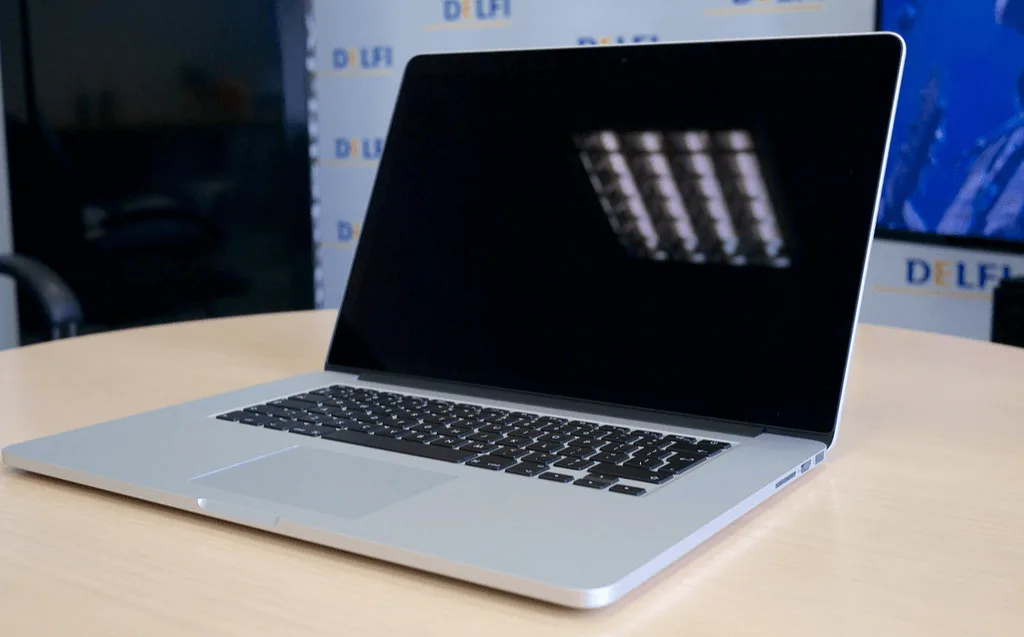
If your MacBook Pro is not turning on, there are a few steps you can take to troubleshoot and potentially repair the issue.
Overview
- First, make sure that the battery is charged. If the battery is low, plug in the MacBook Pro and let it charge for a few minutes.
- Check the power adapter and make sure it is securely connected to the MacBook Pro and to a working power outlet.
- Press the power button on the MacBook Pro to see if it turns on. If the power button is unresponsive, you may need to try a "hard reset" by pressing and holding the power button for 10 seconds, then releasing it and pressing it again to turn on the MacBook Pro.
- If the MacBook Pro still does not turn on, try connecting it to an external display to see if the issue is with the internal display or the graphics card. To do this, use a Thunderbolt or HDMI cable to connect the MacBook Pro to an external monitor. If the external display works, the issue may be with the internal display or graphics card.
- If the MacBook Pro still does not turn on, try resetting the System Management Controller (SMC) and the Non-Volatile Random-Access Memory (NVRAM). To reset the SMC, shut down the MacBook Pro and unplug the power adapter. Press and hold the left side Shift-Control-Option keys and the power button at the same time for 10 seconds, then release all keys and the power button and plug the power adapter back in. To reset the NVRAM, shut down the MacBook Pro and unplug the power adapter. Press and hold the Command-Option-P-R keys before pressing the power button to turn on the MacBook Pro. Release the keys after the second startup chime and try turning on the MacBook Pro again.
- If these steps do not resolve the issue, it may be a hardware issue and you should take the MacBook Pro to an Apple store or service provider like iTweak for further troubleshooting and potential repair. They will be able to diagnose the specific issue and provide the appropriate repair.
Related guides & repairs
Ready to fix it? See our MacBook repair service. Browse every Apple repair-cost guide.