
365-day warranty
This repair is covered for 365 days — parts and labour. If the replaced part fails within that window, we fix it free of charge. ISO 9001:2015 certified service centre.
Read the full warranty policyMacBook SSD upgrades for Intel MacBooks (2013–2020) — 256GB to 2TB+ NVMe modules. Apple ships most MacBooks with 256GB; we upgrade to 512GB, 1TB, or 2TB with Apple-compatible NVMe SSDs. T2 chip compatibility verified, APFS encryption preserved, data migration included. Free Blue Dart pickup pan-India. 1-year warranty. Note: Apple Silicon MacBooks (M1, M2, M3, M4) have soldered storage and cannot be upgraded.
Or call us directly: 080 4710 3303
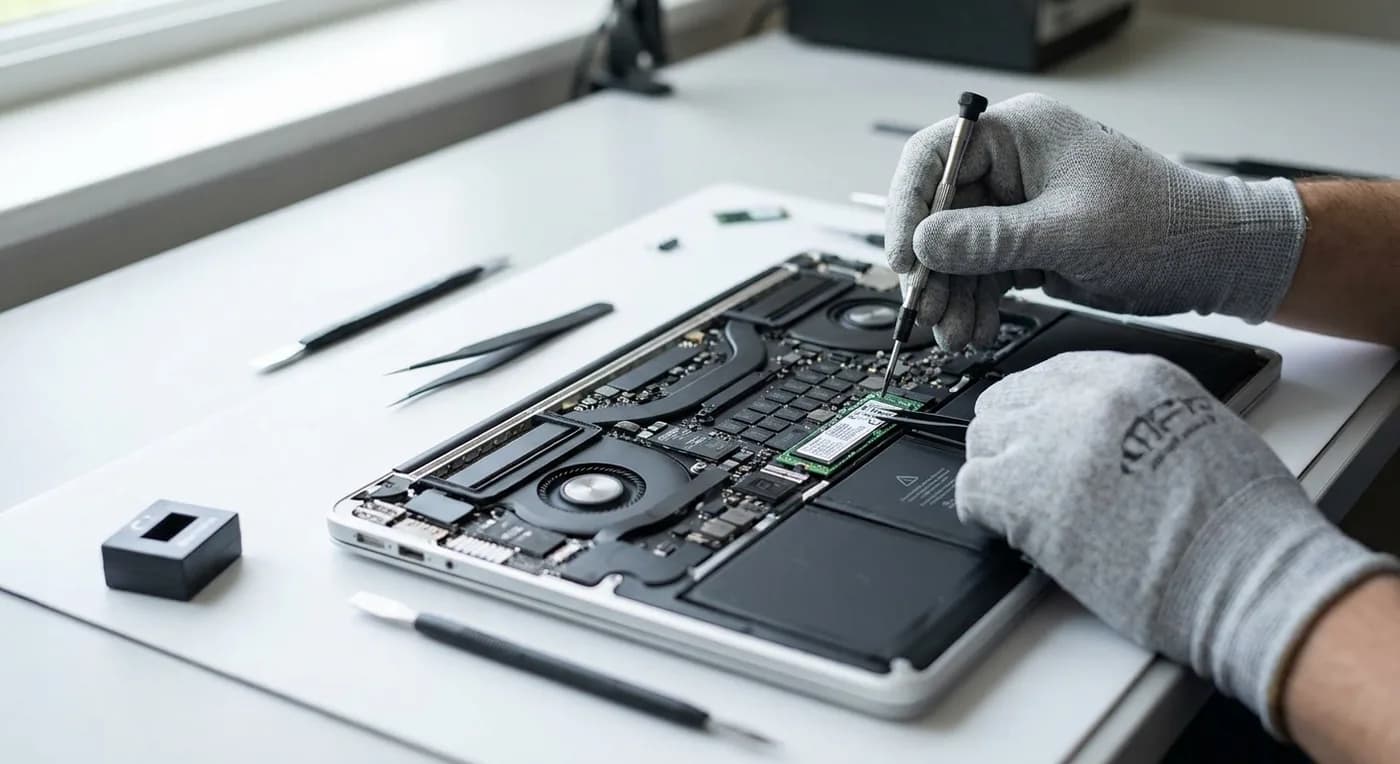
SSD upgrade pricing varies enough that a quote upfront would be guesswork. Share your MacBook model and a technician calls back with the exact price — no obligation, no spam.
Storage upgrades are performance upgrades — you're not fixing a fault, you're adding capacity. These six patterns all point at needing more space rather than a failing drive.
System Settings → General → Storage. If you're above 90% even after cleaning caches and downloads, you're out of room. SSD upgrade or external storage are your options.
macOS updates need 15–30GB of scratch space. If you're at 256GB with 20GB free, you can't install the next OS. Upgrade to 512GB+ to future-proof updates.
If you're moving photos, videos, or project files to external SSDs just to keep macOS happy, a storage upgrade pays for itself in convenience.
Pro apps need scratch space — 50GB+ for video cache, 20GB+ for Xcode simulators. A 256GB MacBook is unusable for pro workflows; 1TB+ is the baseline.
SSDs slow when they're 90%+ full (no free blocks for wear levelling). If SMART status is healthy but performance is poor, you're out of room, not failing.
Apple charges ₹20,000–₹40,000 to go from 256GB to 512GB at purchase. A post-purchase SSD upgrade on an Intel MacBook is often half that cost — if your MacBook is otherwise healthy, upgrade instead of replace.
Why iTweak
Apple Silicon MacBooks (M1, M2, M3, M4) have the SSD soldered to the logic board — there's no upgrade path. This page is for Intel-era MacBooks (2013–2020), where the SSD is a removable NVMe module. If you have an M-series MacBook and need more storage, external Thunderbolt SSDs (Samsung X5, SanDisk Extreme Pro) are the only option. iTweak can help you choose and set up an external workflow, but we can't upgrade soldered storage.
MacBook SSD upgrades are where Apple's pricing breaks down. Apple charges ₹20,000+ to go from 256GB to 512GB at purchase time — and won't upgrade post-purchase. We fit Apple-compatible NVMe SSDs at cost + labour.
NVMe upgrade, T2 compatible, data migration, 1-year warranty
Purchase-time upgrade only; no post-purchase path
MacBook SSD upgrades are bench-only — they need T2 chip configuration (2018+ models), APFS migration, and a 2–4 hour data clone. Free Blue Dart pickup pan-India, or walk into our Marathahalli centre.
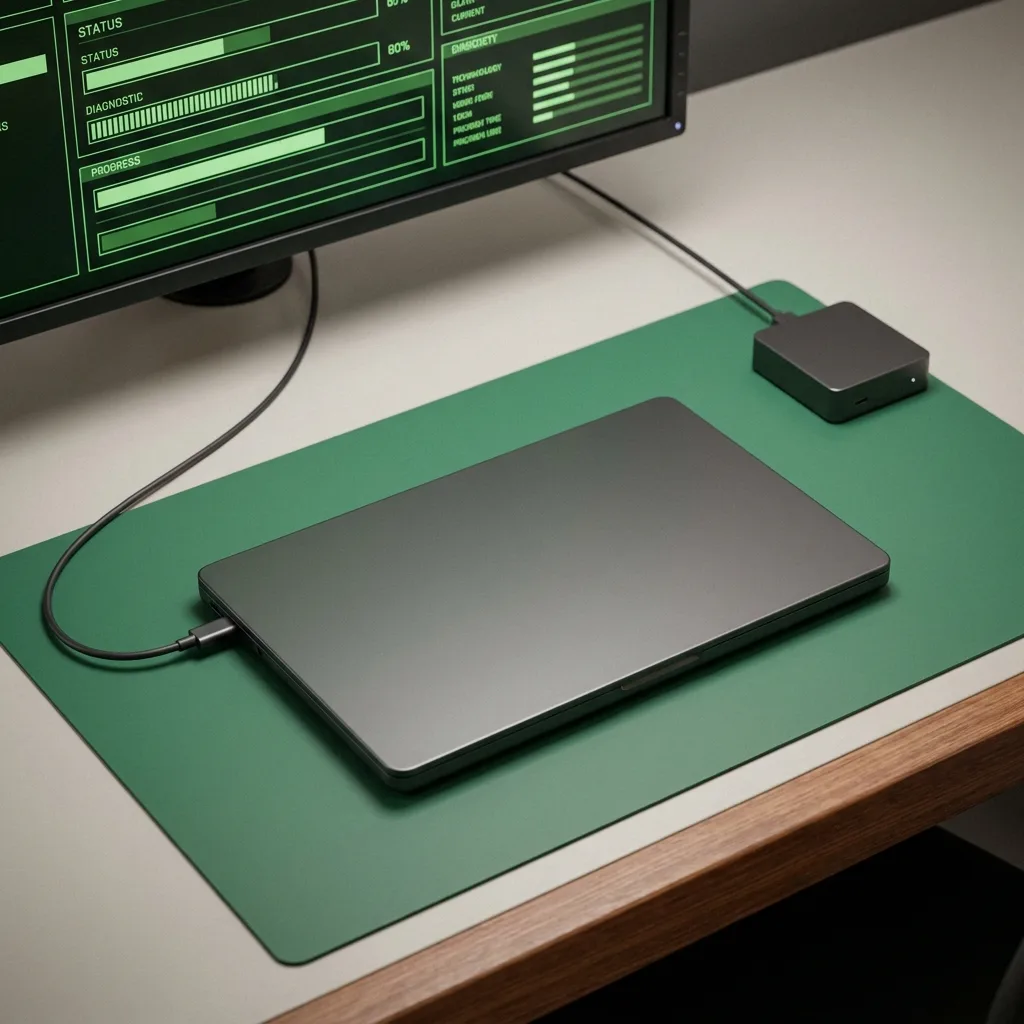
Tell us your MacBook model (year + size) and how much storage you want (512GB, 1TB, 2TB). We'll confirm whether your model is upgradeable (Intel-era yes, M-series no) and quote upfront.
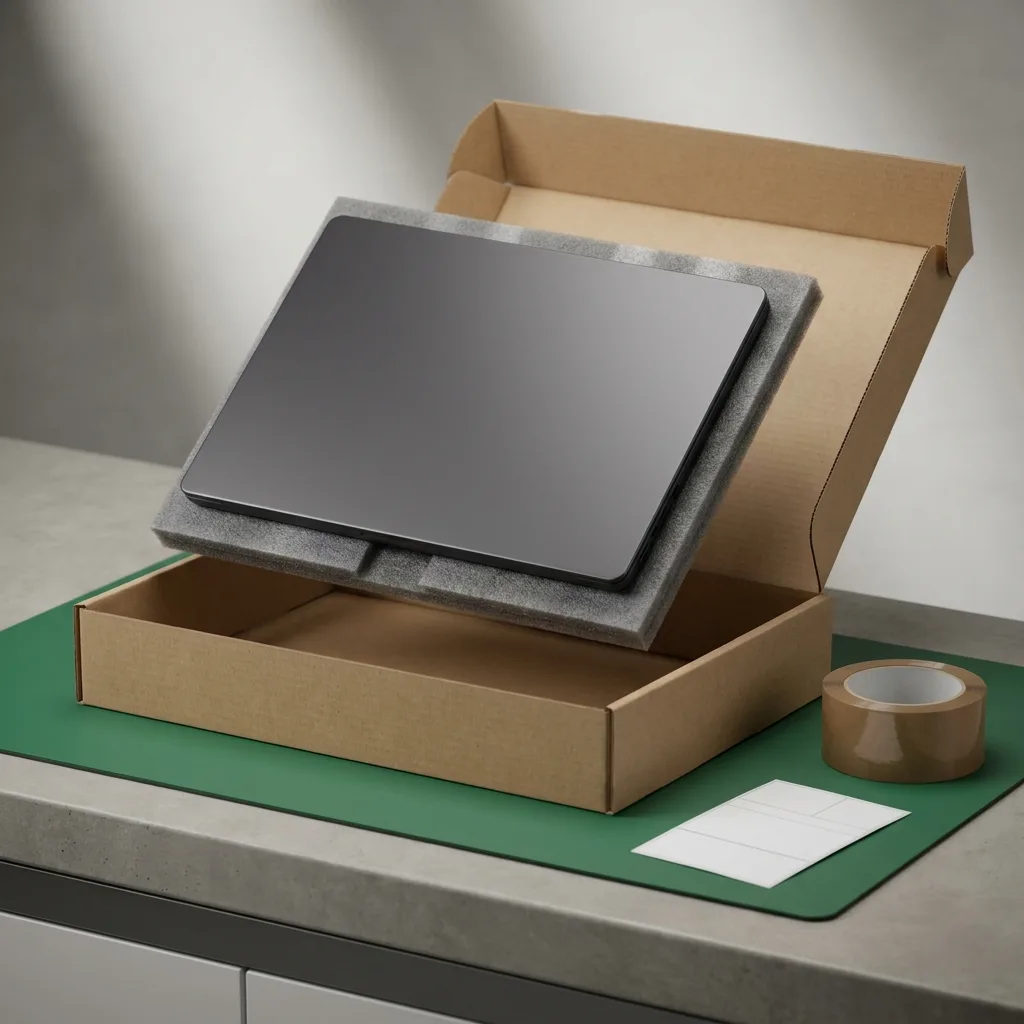
Free insured pickup pan-India in laptop-grade packaging. Or walk into Marathahalli (Bangalore). Typical round-trip: 5–7 working days from anywhere in India.
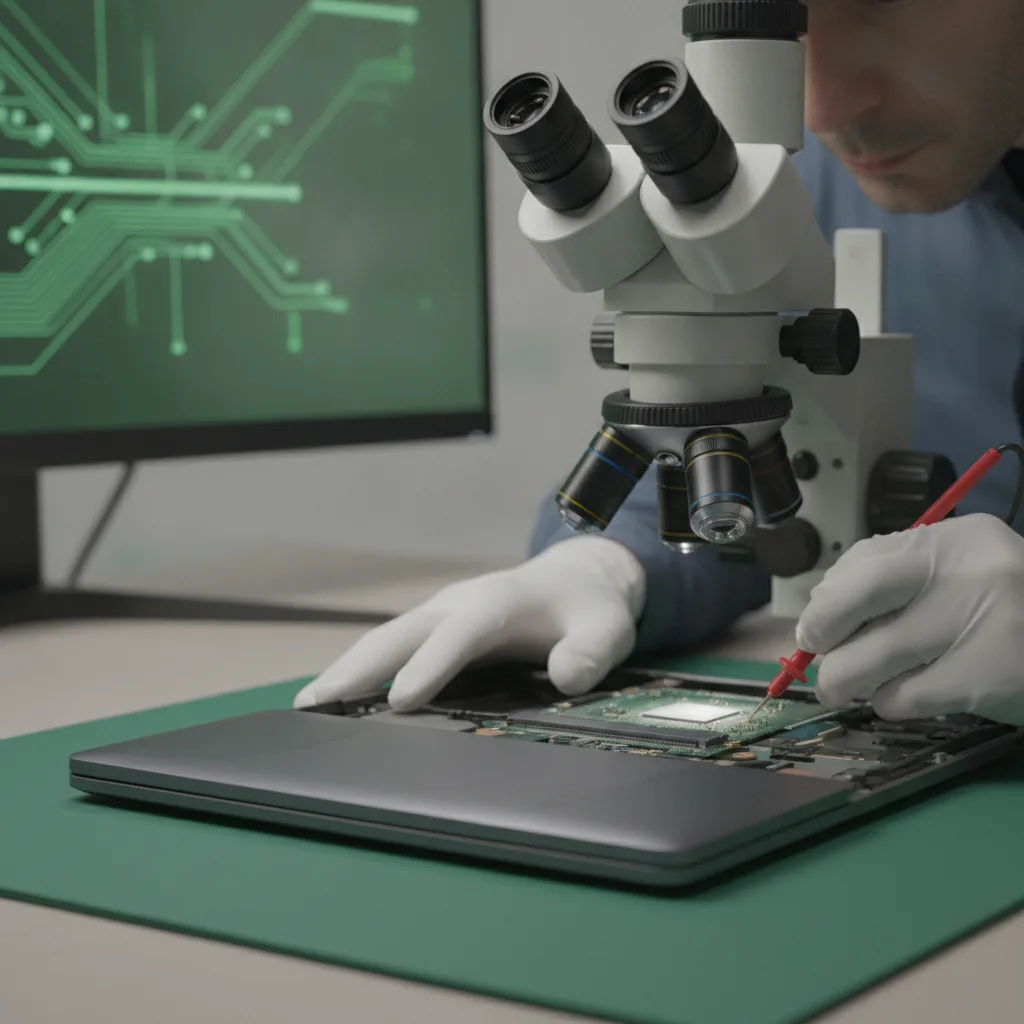
Boot test, identify the current SSD model (SATA vs NVMe, T2 chip present or not). We confirm the upgrade path and quote the exact SSD model + labour. Written quote — approve before any work begins.
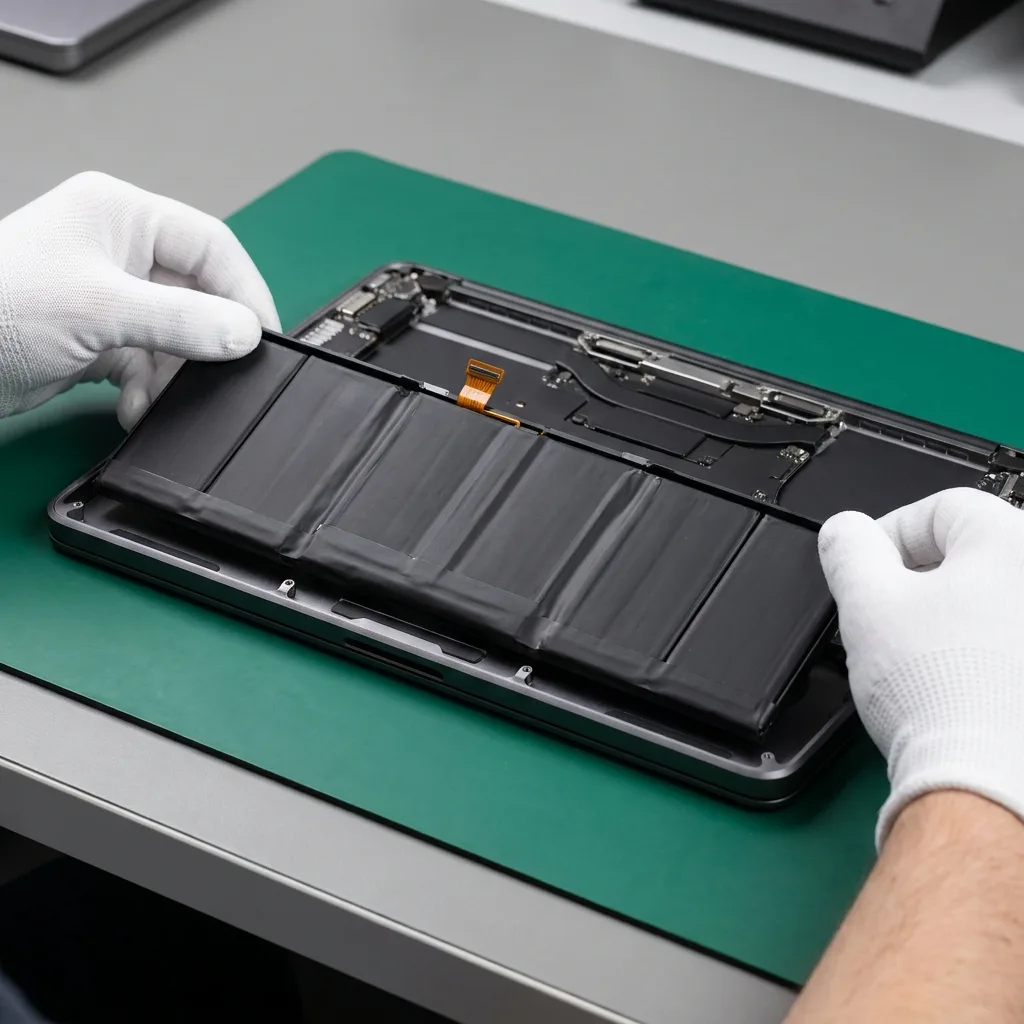
Bottom case removed, old SSD removed, new NVMe SSD installed. For T2 chip MacBooks (2018+), we configure the T2 to recognise the new drive. Time Machine restore or direct clone via Thunderbolt (2–4 hours depending on data size). APFS encryption (FileVault) re-enabled if it was on before.
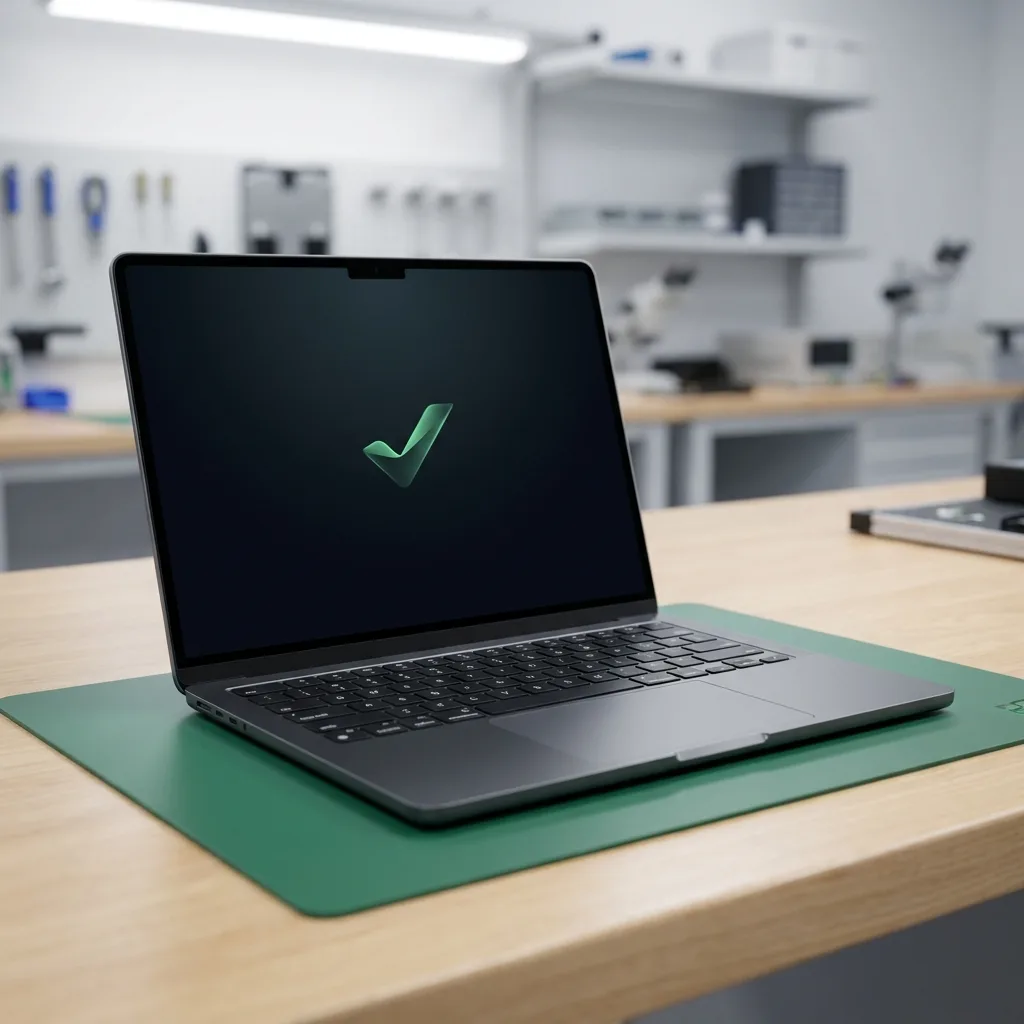
Boot test, SMART check, read/write speed benchmark (NVMe should hit 2,000+ MB/s). Your macOS install, files, apps, and settings are identical to before — just more space. 1-year warranty paperwork. Return courier or walk-out.
Three ways to get it fixed. Same parts, same warranty, same technicians — pick what works for you.
Anywhere in India
ETA: 24–48 hours round-trip
Free insured pickup by our courier partner. Device lands at our Bangalore lab within 24 hours, ships back the same day or next, fully tested under warranty.
This repair is covered for 365 days — parts and labour. If the replaced part fails within that window, we fix it free of charge. ISO 9001:2015 certified service centre.
Read the full warranty policyOur 80-point Phonecheck diagnostic runs before any disassembly. If the issue turns out to be elsewhere — charging IC, board fault, software — we tell you, refund the booking, and quote the actual fix. No upsells.
“The technician arrived punctually at my residence, thoroughly explained the issue, and completed the iPhone 13 battery replacement in about 30 minutes. Seamless and professional.”

“These guys worked like magic. Apple said the only fix for my cracked iPad screen was to replace the entire unit — which I refused to believe. iTweak proved them wrong.”

“Booked a home appointment, the technician came on time and replaced the screen within 30 minutes — working great, no issues. Would recommend to anyone who wants to save money.”
“Got my Apple Watch battery replaced through iTweak in Bangalore — the entire experience was truly seamless and professional.”

“Quick same-day screen replacement for my iPhone 17 Pro Max. Highly recommend.”

“Best place for iPhone repair — genuine parts at an affordable price. They replaced the back panel of my iPhone 15 and I had it back within 4 hours.”

Walk in or book doorstep service at our Bangalore workshop. Free pickup & drop-off across Mumbai, Chennai and anywhere else in India.
35 Varthur Main Road, Marathahalli, Bangalore 560037
Free pickup & drop-off across the city — no doorstep visit needed.
Free pickup & drop-off across the city — no doorstep visit needed.
NVMe vs Apple SSD, M-series compatibility, data migration, warranty — the MacBook SSD questions our techs hear weekly.
No — Apple Silicon MacBooks (M1, M2, M3, M4) have the SSD soldered to the logic board. There's no upgrade path for M-series MacBooks. This service is for Intel-era MacBooks (2013–2020) only, where the SSD is a removable NVMe module. If you have an M-series MacBook, external Thunderbolt SSDs are your only expansion option.
Intel-era MacBook Air and MacBook Pro (2013–2020). The hardware differs across generations — 2013–2015 models use proprietary PCIe SSDs, 2016–2020 use NVMe, 2018+ have T2 chip configuration — but we have the tooling and experience for all of them. M-series MacBooks (2020+) are not upgradeable.
No — data migration is included. We either restore from your Time Machine backup (bring a portable drive), or do a direct Thunderbolt clone from the old SSD to the new one on bench. Your macOS install, files, apps, and settings are identical after the upgrade. We still recommend a separate backup as a precaution.
Yes — if the SSD develops any functional issue within the 1-year warranty (read/write failure, won't boot, SMART errors), we replace it free of charge. The warranty doesn't cover physical damage or liquid damage after the upgrade.
No. MacBook SSD upgrades are bench-only — they need T2 chip configuration (2018+ models), APFS migration, and a 2–4 hour data clone. We offer free Blue Dart pickup and drop pan-India (5–7 day round-trip), or walk-in at our Bangalore (Marathahalli) centre.
If you're upgrading from a 2013–2015 SATA SSD, the new NVMe will be 3–4× faster (500 MB/s → 2,000+ MB/s read). If you're upgrading from a 2016+ NVMe to a larger NVMe, the speed is the same — you're just adding capacity, not performance. Boot time and app launch speed improve when you have more free space (SSDs slow when full).
If your MacBook is still under Apple's standard 1-year warranty or AppleCare+, a third-party SSD upgrade (including ours) voids it for hardware claims. We recommend Apple for in-warranty upgrades (though Apple doesn't offer post-purchase upgrades). For out-of-warranty MacBooks, our NVMe upgrade + 1-year iTweak warranty is the value choice.
1 year on the SSD (parts + labour). If the drive fails to perform within 12 months — read/write errors, won't boot, SMART failures — we replace it free. Physical damage or liquid damage after the upgrade is not covered.
Available now · 9am – 8pm (Wed to 5pm, Sun 10am – 7pm)